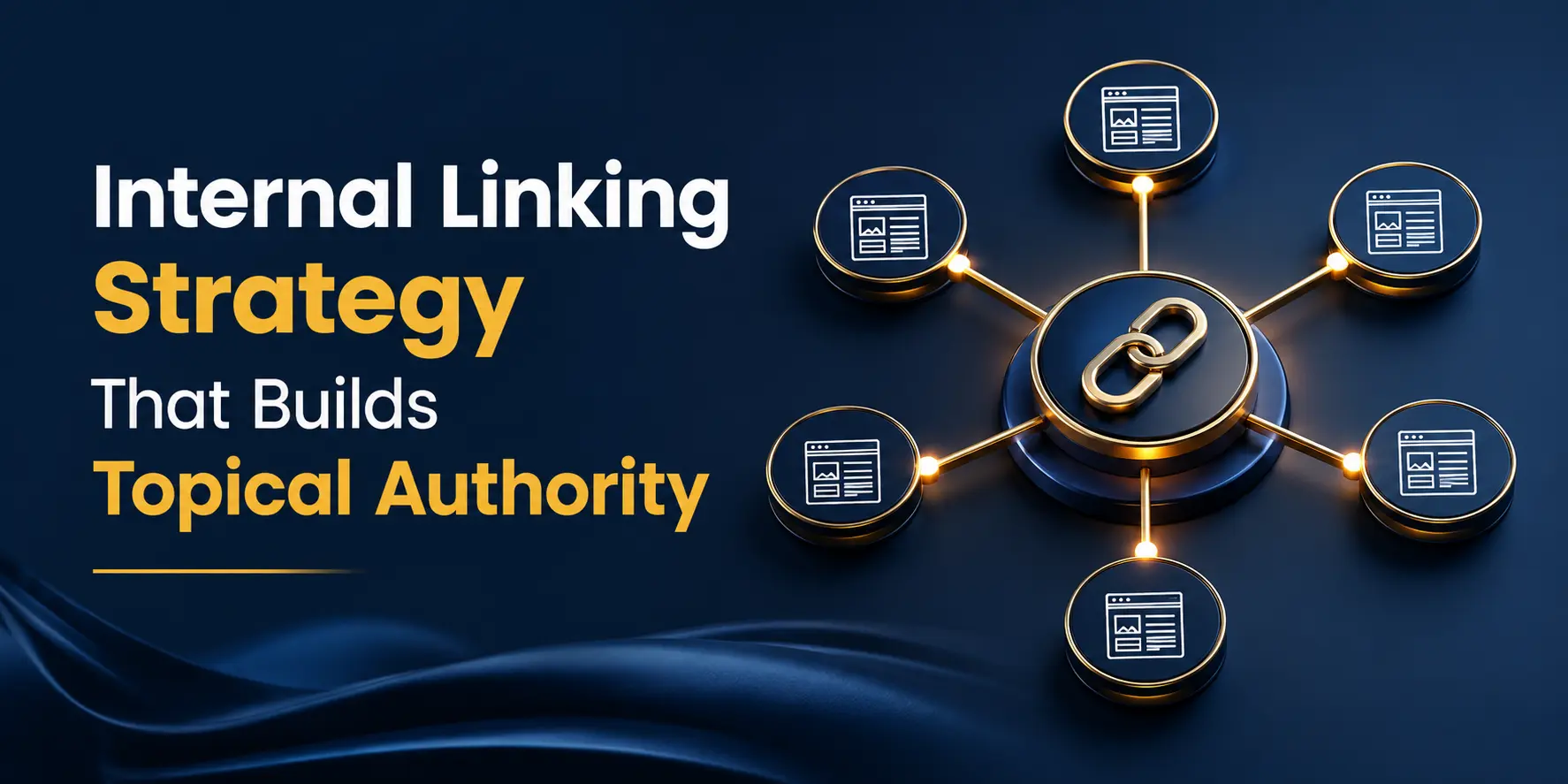
Internal Linking Strategy That Builds Topical Authority: A Complete Guide (2026)
You're publishing blogs consistently. Your keyword research is solid. The content is genuinely good. But the rankings just aren't moving — and you can't figure out why.
If this feels familiar, you're not alone. In many cases, the issue isn't the content itself but how it's structured and connected.
Internal linking is one of the most underused SEO levers out there. When done right, it doesn't just help Google crawl your site — it actively builds your topical authority, the single biggest ranking factor that's separating high-performing websites from everyone else in 2026.
In this guide, I'll walk you through what internal linking actually is, how it connects to topical authority, and — most importantly — a step-by-step strategy you can start implementing today. No jargon overload, no fluff. Just what works.
TL;DR
- Internal linking helps Google and AI search engines understand how your content is connected.
- Strong internal link architecture is one of the fastest ways to build topical authority in 2026.
- Organize content using a pillar page and topic cluster model.
- Use descriptive, contextually relevant anchor text instead of generic phrases.
- Link your highest-authority pages to newer content to pass link equity and improve rankings.
- Audit and fix orphan pages regularly to improve crawling and indexing.
- Aim for 4–8 relevant internal links per 1,500–2,000-word blog post.
- A well-connected content cluster can increase visibility in Google, AI Overviews, ChatGPT, Perplexity, and Gemini.
1. What is Internal Linking in SEO?
At its simplest, an internal link is any hyperlink on your website that points to another page on the same website. When you link your blog on keyword research to your blog on on-page SEO — that's an internal link.
But internal linking isn't just a navigation tool. For search engines, every internal link is a signal. It tells Google:
- Which pages on your site are related to each other
- Which pages you consider most important
- What topics your website covers — and how deeply
How is it different from external linking?
External links point to other websites (like linking to Google's documentation). Internal links stay within your own domain. Both matter for SEO — but internal links are fully in your control, which is what makes them such a powerful tool.
2. What is Topical Authority — and Why Does It Matter in 2026?
Topical authority is Google's way of measuring how much of an expert your website is on a given subject. It's not just about one great article. It's about whether your website, as a whole, covers a topic deeply, consistently, and in an interconnected way.
A few years ago, you could publish one well-optimised post and rank. That approach is largely dead now. Google has evolved to evaluate your entire content ecosystem — not just individual pages. If you write about SEO, Google wants to see that you've covered keyword research, on-page SEO, technical SEO, link building, and content strategy — not just one piece.
Topical Authority vs Domain Authority — Not the Same Thing
Domain Authority (DA) is a third-party metric that estimates your site's overall strength based on backlinks. Topical authority is different — it's about subject-matter depth. A newer website with lower DA can outrank a high-DA site if it has stronger topical coverage on a specific subject. That's actually great news for growing institutes and blogs like DizitalAdda.
2026 Update: It's not just Google anymore. AI tools like ChatGPT, Perplexity, and Gemini now use your site's topical structure and internal link architecture to decide which pages to cite in AI-generated answers. A well-connected content cluster = higher chance of being featured.
If you want to go deeper on this, we've already covered how to build topical authority with content clusters in detail — check out our blog on How to Build Topical Authority With a Content Cluster Strategy.
3. The Direct Connection: How Internal Linking Builds Topical Authority
Here's where it all comes together. Internal links are the actual mechanism through which topical authority is built. They do three things simultaneously:
Link Equity — Passing Ranking Power Between Pages
When Google finds a page on your site that has good authority (say, a blog that's earned backlinks from other sites), it distributes some of that authority to the pages that page links to. This is called link equity — and it flows through internal links. So by linking your strongest pages to your newer ones, you're actively pushing ranking power to content that needs a boost.
Anchor Text — The Words You Use to Link Matter
The clickable text of an internal link (called anchor text) tells Google what the destination page is about. If you link to your SEO blog using the words "keyword research guide", Google registers that the linked page is relevant to keyword research — and weights it accordingly.
A few things to keep in mind:
- Use descriptive anchors: "learn about on-page SEO" beats "click here" every single time
- Vary your anchors: don't use the exact same phrase every time you link to the same page — it looks unnatural
- Keep it contextual: the surrounding text should logically lead into the linked page's topic
Crawl Depth — Helping Google Find and Index Your Content Faster
Search engines discover pages by following links. If a new blog you published isn't linked to from anywhere else on your site, Google's crawler might never find it — or take weeks to do so. Internal links shorten that path dramatically, ensuring your content gets indexed and considered for rankings faster.
4. Pillar Pages and Topic Clusters — The Foundation of This Strategy
To build internal linking that actually drives topical authority, you need to organise your content into a pillar-and-cluster structure. This is the framework that both Google and AI search engines are designed to reward.
What is a Pillar Page?
A pillar page is a long, comprehensive piece of content that covers a broad topic at a high level. It's the hub of your content cluster — the page that represents the main topic you want to be associated with.
For DizitalAdda, a pillar page could be: "What is Digital Marketing?" or the main Advanced Digital Marketing Course page. It covers the topic broadly and links out to all the specific subtopics.
What is a Topic Cluster?
Cluster pages (also called cluster content) are individual blog posts that cover specific subtopics in detail. Each one links back to the pillar page, and the pillar page links to all of them. This creates a closed loop of content that Google reads as: "this website really knows this subject inside out."
A Real Example — The DizitalAdda SEO Cluster
Let's say your pillar topic is SEO. Your cluster blogs could be:
- How to Do Keyword Research for Free in 2026
- How to Use ChatGPT for SEO
- What is E-E-A-T and Why It Matters for SEO
- How to Optimize Content for AI Search
- Internal Linking Strategy That Builds Topical Authority (this blog)
Every one of these blogs links back to the SEO pillar page. The pillar page links to all of them. Google looks at this structure and recognises DizitalAdda as a go-to source on SEO topics — which lifts all the pages in that cluster, not just the pillar.
5. Internal Linking Best Practices — Step-by-Step for Beginners
Step 1 — Map Your Existing Content First
Before adding a single link, list all your current blogs and group them by topic. You can do this in a simple spreadsheet. This shows you which topics have enough content to form a cluster — and which topics have gaps you need to fill.
Step 2 — Decide Your Pillar Pages
For each major topic area, pick one page to be the pillar. On DizitalAdda, this might be your core course pages or a comprehensive guide-style blog. Everything else in that topic links back to it.
Step 3 — Use Descriptive, Natural Anchor Text
When you add an internal link, the words you use matter. Use anchors that describe what the reader will find when they click — not generic phrases.
Step 4 — Link From Your Strongest Pages to Newer Ones
Your older, well-ranking blogs already have some authority built up. Use those pages to link to newer content you want to push. This is one of the fastest ways to get newer blogs indexed and ranking without waiting months for Google to naturally discover them.
Step 5 — Fix Your Orphan Pages
Orphan pages are pages on your website that have zero internal links pointing to them. Google's crawler follows links — so if no page on your site links to a particular blog, that blog may never get crawled, indexed, or ranked, no matter how good the content is.
Find orphan pages using Google Search Console (check pages with no internal links in the Links report) or tools like Screaming Frog. Then add at least 2–3 contextual links to each orphan from closely related content.
Step 6 — How Many Internal Links Per Blog Post?
A practical rule: aim for 4–8 contextual internal links per 1,500–2,000 word blog post. Quality and relevance always matter more than quantity. Every link should genuinely add value for the reader — if it feels forced, don't add it.
6. Common Internal Linking Mistakes That Are Hurting Your SEO
Getting the strategy right also means knowing what not to do. These are the mistakes I see most often:
- Linking to irrelevant pages: just because a page exists doesn't mean it belongs in every blog. Irrelevant links confuse both readers and Google
- Repeating the same anchor text: if every internal link to your SEO guide uses the exact words "SEO guide", it looks over-optimised
- Never updating old links: when you publish a new blog, go back to older related posts and add links to the new one. It's a 5-minute job that makes a real difference
- Only linking from the homepage: your blog-to-blog links are where the real topical authority gets built — don't ignore them
- Ignoring orphan pages: these are silent ranking killers. Make orphan page audits a monthly habit
7. Internal Linking for AI Search Visibility in 2026
This is something most SEO guides in India aren't talking about yet — but it matters a lot right now.
ChatGPT, Perplexity, and Gemini don't just crawl keywords. They map content relationships. When an AI tool is deciding which source to cite for a query like "best internal linking strategy", it looks at which site has the most structured, interconnected content on that topic.
A clear pillar-cluster architecture with consistent, semantically relevant anchor text tells AI crawlers: "this is the authoritative hub on this subject." That's what gets you cited in AI Overviews and AI-generated answers.
We've written a detailed breakdown of this in our blog on How to Optimize Content for AI Search — worth reading alongside this one.
And for tracking whether your efforts are actually showing up in AI search, our blog on the Best Tools for Tracking AI Search Visibility in 2026 has the most current tool recommendations.
8. Free Tools to Audit and Improve Your Internal Linking
You don't need an expensive tool stack to get started. These free options cover the essentials:
- Google Search Console — go to Links → Internal Links to see which pages have the most and fewest links pointing to them. Great starting point for spotting orphan pages
- Screaming Frog SEO Spider (free up to 500 URLs) — crawls your site and maps your entire internal link structure, flagging orphan pages and crawl depth issues
- Yoast SEO (if you're on WordPress) — shows internal link suggestions while you write, making it easy to link contextually in real time
- Ahrefs Webmaster Tools (free tier) — shows which pages have the most internal links and where your link equity is currently concentrated
Note: Run a quick internal link audit every month — not just when you publish new content. It takes 20 minutes, and the impact compounds over time.
9. FAQ — Quick Answers
Q: What is internal linking in SEO?
A: Internal linking means connecting one page of your website to another using hyperlinks. In SEO, internal links help search engines discover your pages, understand how your content is organised, and distribute ranking authority across your site.
Q: How does internal linking help build topical authority?
A: When you link related pages together — especially in a pillar-and-cluster structure — you signal to Google that your site covers a topic comprehensively. This builds topical authority, which tells search engines your site is a trustworthy, expert source on that subject.
Q: How many internal links should I add per blog post?
A: Aim for 4–8 contextual internal links per 1,500–2,000 word post. Quality and relevance matter more than hitting a number. Every link should add genuine value for the reader.
Q: What is the best anchor text for internal links?
A: Use descriptive, keyword-relevant anchor text that tells the reader exactly what they'll find on the linked page. Avoid generic phrases like "click here" or "read more". Vary your anchors naturally — using the exact same phrase every time looks over-optimised to Google.
Q: What are orphan pages and how do I fix them?
A: Orphan pages are website pages that have no internal links pointing to them. Google's crawlers may never discover them, meaning they receive no link equity and rarely rank. Find them using Google Search Console or Screaming Frog, then add at least 2–3 relevant internal links to each from related content.
Q: Does internal linking help with AI search tools like ChatGPT and Perplexity?
A: Yes — significantly. AI search tools use your site's internal link structure to identify which pages are topical authority hubs. A well-organised pillar-cluster structure with consistent anchor text increases your chances of being cited in AI-generated answers and AI Overviews.
Key Takeaways
- Internal links are not just navigation tools — they're how you build topical authority and distribute ranking power across your site
- Topical authority is built through a pillar-and-cluster content structure where all related blogs are interconnected
- Anchor text matters: use descriptive, varied, contextually relevant link text — never generic phrases
- Orphan pages silently kill your SEO — audit for them monthly and fix them with contextual internal links
- In 2026, strong internal linking also improves your visibility in AI search tools like ChatGPT, Perplexity, and Gemini
- Tools to use: Google Search Console, Screaming Frog, Yoast SEO, and Ahrefs Webmaster Tools — all available for free
Conclusion
Internal linking isn't the most glamorous part of SEO — but it might be the most impactful one that most people actually ignore.
When you stop treating your blogs as individual pieces and start thinking of your content as an interconnected ecosystem, something shifts. Your older blogs start working harder. Your newer ones rank faster. And Google — and AI tools — start recognising your site as an authority on the topics you care about most.
Start small. Audit your existing blogs, identify your pillar pages, find your orphan pages, and fix your anchor text. Do that consistently over the next 3 months — and watch what happens to your organic traffic.
Want to Learn SEO the Right Way?
At DizitalAdda, we teach internal linking, topical authority, and the full SEO playbook as hands-on, practical skills — not just theory. With 25,000+ trained students and 100% placement assistance, we help you build a career that's actually ready for 2026 and beyond.
Explore our Digital Marketing Course →
Sapna is a Content Writer and Digital Marketing Specialist at DizitalAdda with over 3 years of experience in SEO, content strategy, and writing about AI tools and emerging search trends. She covers topics across digital marketing, search engine optimisation, generative AI, and career guidance for students and professionals looking to build a future in the digital space. Based in New Delhi.