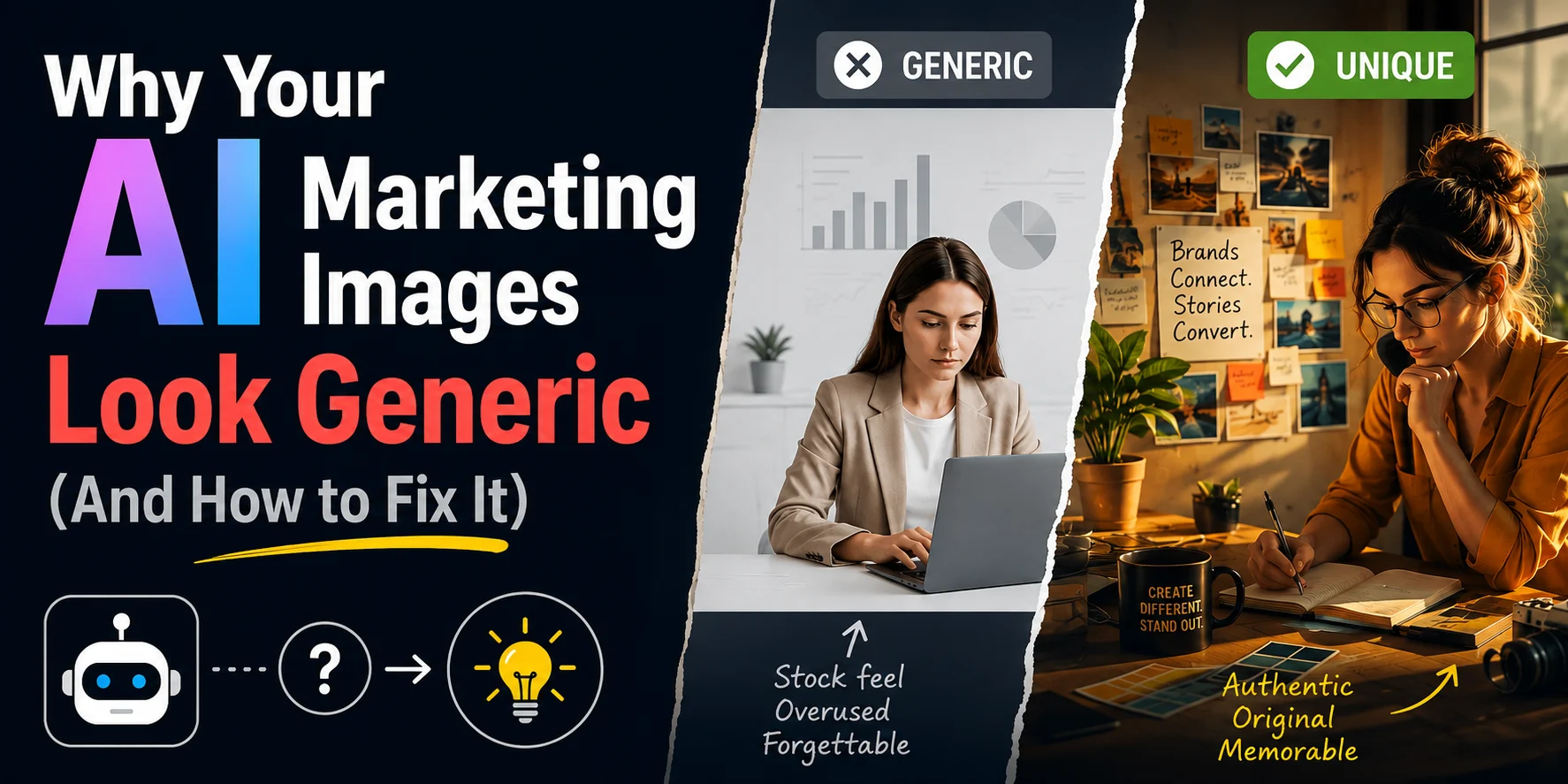
Why Your AI Marketing Images Look Generic (And How to Fix It)
Quick summary: Most AI marketing images look generic because the prompt only names the subject and leaves everything else — lighting, composition, style — to the model's defaults. The fix is to brief every image the way you'd brief a photographer: medium, subject/action, setting, composition, lighting, aesthetic, and intent. Pairing that with a reference image for brand consistency, and generating multiple variations before picking one, gives you real creative control instead of a single lucky (or unlucky) roll of the dice.
Introduction
Scroll social media for thirty seconds and you can usually spot the AI-generated posts before you even read the caption. Same soft light. Same subject planted dead-center. Same skin that's just a little too smooth. If your brand's images have started looking like that too, you're probably not doing anything wrong exactly — you're just prompting the same way a lot of other people are.
That's really the core issue. Not the tool. The prompt.
This guide covers why AI image generators tend to land on that same "AI look," a seven-part framework for briefing images more deliberately, and how reference images and generating multiple variations give you more actual control over the result.
Why Do AI Images Look the Same?
Every image model has a fallback aesthetic — even lighting, medium saturation, a subject dead-center, a composition that's clean but forgettable. Leave a prompt underspecified and that's usually what you get. Because most prompts are one line long, a lot of output ends up pulling from that same default look. It's not that the model produced something bad — it's that nobody told it what to do differently.
The "AI Slop" Problem
People tend to judge all AI images by the worst examples — mangled hands, waxy skin, stock-photo stiffness. That's a bit like judging all piano playing by a toddler banging on the keys. Bad execution exists, and so does good execution; some AI images running in real campaigns today are close enough to real photography that you'd have to look twice.
The gap isn't really the technology — it's how deliberately someone is directing it. A one-line prompt gets you the model's best guess, filled in with defaults. A specific, structured prompt gets you an actual creative decision, similar to how a photographer's shot list produces something different from "just take a picture of the product."
The 7-Pillar Prompt Framework for Original AI Images
Instead of a vague one-liner, structure your image brief around these seven dimensions — the same categories you'd cover briefing a photographer:
- Medium — State the kind of image up front: photograph, 3D render, illustration, watercolor, product shot. This alone resets the model's starting point.
- Subject and action — Say who or what is in frame, and what they're actually doing. "A woman using a laptop" gets you generic stock photography. "A woman mid-laugh, adjusting her screen mid video-call" gets you something with more life to it.
- Setting — Where is this happening? A home office, a co-working space, a café at golden hour — the setting establishes which world the image belongs to.
- Composition — Think like a photographer: close-up, wide shot, rule of thirds, negative space left for text. This is the pillar people skip most often, and it does a lot of work separating "stock photo" from something that looks built for a campaign.
- Lighting — Name the light source and direction: golden hour, overcast and diffused, a hard single-source studio light. Specific, intentional light is one of the biggest levers against the flat, generic look.
- Aesthetic — Your style layer: film grain, muted tones, high-contrast editorial, minimalist. This is often where brand identity actually shows up in the image itself, not just the caption underneath it.
- Intent — What should someone feel or do after seeing this image? Naming the emotional or functional goal — sell efficacy, create urgency, feel calm — helps the model make visual choices (expression, color temperature, warmth of light) that actually serve that goal.
Takeaway: a prompt that covers all seven pillars will consistently beat a one-line prompt, even using the same tool and model.
Using Reference Images for Brand Consistency
Even a well-written text prompt will drift a little each time you run it — that's just how these models work. If your brand needs a consistent look across many posts, upload a reference image instead of relying on text alone: a past campaign shot, a mood board, or one strong "anchor" photo, and ask the model to match its style, lighting, or palette. This turns the process from "invent a new identity every time" into "extend the one you already have."
Getting More Options Before You Commit
A single prompt gives you a single roll of the dice. Most image tools now offer some way to generate several variations from one prompt — whether that's a built-in "generate multiple" option, a higher-tier mode, or a separate variation/upscaling tool. Whichever route you use, the workflow that tends to work best is:
- Draft a 7-pillar prompt for the concept.
- Generate several variations rather than accepting the first result.
- Pick the strongest one or two.
- Refine using a reference image for brand consistency.
- Finish in a design tool for text, logo, and layout.
Different tools vary in cost, output limits, and how well they integrate with design software like Photoshop or Illustrator — it's worth comparing a couple of options against your team's actual volume and budget rather than defaulting to whichever one you tried first.
Frequently Asked Questions
- Why do my AI images look fake or generic?
Usually because the prompt only names the subject and leaves lighting, composition, and style up to the model — and those defaults are the same ones every other prompt gets. - What is the 7-pillar prompt framework? A structured way to brief an AI image generator across seven dimensions — medium, subject and action, setting, composition, lighting, aesthetic, and intent — so the brief is as complete as one you'd hand a real photographer.
- Can AI-generated images really work for professional marketing campaigns?
Yes. Paired with a structured prompt and a reference image for consistency, AI visuals hold up fine for social posts, ad creative, blog headers, and product mockups, generally at a fraction of the cost and turnaround of a traditional shoot. - How do I make AI images look more realistic instead of "AI-generated"?
Get specific. Name a real medium (35mm photograph, DSLR product shot), a specific light source and direction, and an aesthetic that mimics film — grain, natural color grading. That pushes the model away from its smooth, evenly-lit default and toward something that reads more like a photograph. - How long should an AI image prompt be?
Long enough to hit all seven pillars, no longer — usually two to four sentences. A single line leaves too much to the model's defaults; an over-stuffed prompt with conflicting details just confuses it. - Is it legal to use AI-generated images in marketing campaigns?
Generally yes, but it depends on the specific tool's licensing terms and your jurisdiction. Most major platforms grant commercial rights on paid plans, though policies vary on things like depicting real people or trademarked content. This isn't legal advice — check the tool's commercial-use terms directly, and loop in legal counsel for anything campaign-scale or higher-risk.
Key Takeaways
- AI images look generic because of underspecified prompts, not weak tools.
- The 7-pillar framework — medium, subject/action, setting, composition, lighting, aesthetic, intent — turns a vague prompt into a real creative brief.
- Reference images keep your brand visually consistent across every post.
- A multi-step workflow (draft → generate options → refine → finalize) beats single-prompt generation, consistently.
- Prompting well is becoming a core marketing skill, not just a design one.
Prompting well is becoming a core marketing skill, not just a design one. If you want to go further into AI-powered content creation, prompt engineering, and the tools brands are actually using in 2026, check out DizitalAdda's Diploma in GenAI & Prompt Engineering, or our related guide on the best free AI video generation tools for marketers.