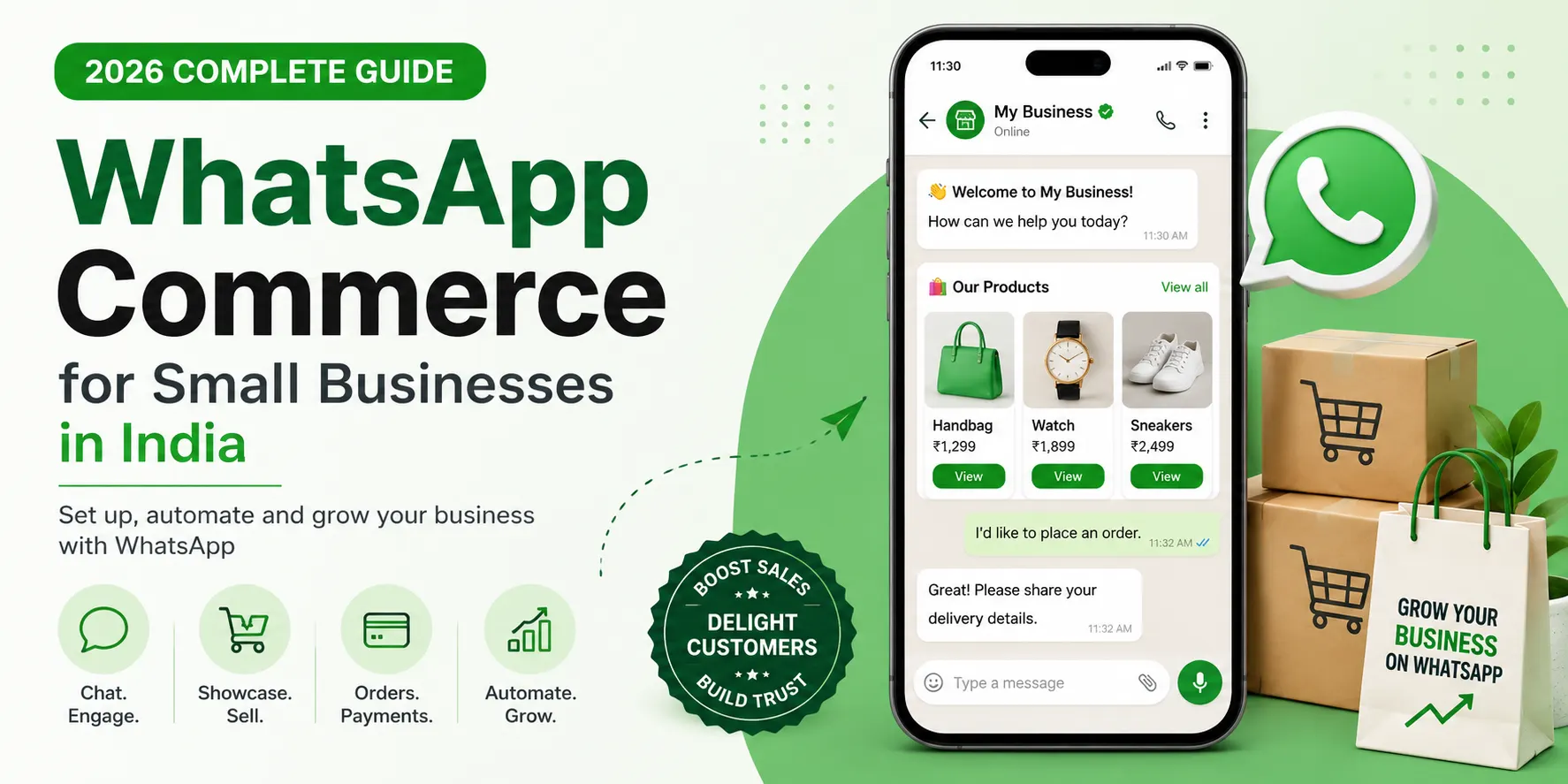
WhatsApp Commerce for Small Businesses: Complete 2026 Setup Guide
What if your next best sales channel is already sitting on your customers' phones? That's the story of WhatsApp commerce. I used to think WhatsApp commerce was just another fancy marketing phrase. Then I looked at the data—and realized businesses are leaving a huge opportunity on the table.
India has more WhatsApp users than any other country on Earth — DataReportal's own figures put it well past half a billion people, and Meta itself has confirmed the number crossed 500 million a while back. For small D2C brands that actually set WhatsApp commerce up correctly, the channel is now reportedly contributing anywhere from 20% to 35% of total digital revenue. Not a side channel. Not an experiment. A genuine revenue line.
Why? Because your customers open WhatsApp messages roughly 98% of the time, usually within three minutes. Email is lucky to see 20%. Once you've seen that gap, you understand why WhatsApp commerce has quietly become India's default way of selling — not just chatting with customers, but showing them a catalog, taking the order, collecting the payment, and sending the delivery update, all inside one thread they already have open.
And here's the timely bit: setting up WhatsApp commerce got genuinely easier in 2026. Meta changed its billing model in mid-2025, gave India local INR pricing from January 2026, and rolled out real volume discounts in April 2026. Most articles you'll find online are still describing the old system. This one isn't — we'll walk through the current setup, step by step, in plain language.
What "WhatsApp commerce" actually means for a small business
WhatsApp commerce isn't just a green tick and a nice profile photo. It's the entire buying journey happening in one place:
- Discovery — someone finds you through search, an ad, or a friend's forward
- Browsing — they see your products or services with photos and prices, right there in the chat
- Ordering — they add items and place the order without ever leaving WhatsApp
- Paying — UPI or a linked gateway, no separate checkout page
- Support — order confirmations, delivery updates, and questions, all in the same thread
For a small business, this quietly replaces a website, a payment page, and a support number — WhatsApp commerce does all three, in whatever language your customer is comfortable typing (or sending a voice note) in.
Step 1: Work out which WhatsApp product you actually need
This is the one decision that trips up almost everyone starting out with WhatsApp commerce. There are two genuinely different products here, and picking the wrong one either wastes money or wastes your time.
The free WhatsApp Business App
You've probably already got this on your phone. It's free, and it handles:
- A catalog of up to 500 products
- Broadcast lists capped at 256 contacts
- Basic automation — greeting messages, away messages, quick replies
- One device, one person managing it
If you're a solo operator or running a single shop, start here. It takes about ten minutes to set up and costs nothing.
The WhatsApp Business API (via a provider)
Once you outgrow the free app — more than 256 people on a broadcast, more than one person replying, or you want automated order confirmations and a payment gateway sitting inside the chat — you move to the WhatsApp Business API. Meta doesn't hand this out directly; you go through an approved Business Solution Provider (a BSP), such as AiSensy, Interakt, WATI, or Gupshup.
The jump isn't as expensive as people assume. Several providers offer genuinely free entry tiers, and a solid mid-range plan for a small business typically runs somewhere between ₹1,500 and ₹5,000 a month.
Step 2: Setting up the free Business App
- Download WhatsApp Business and verify a phone number that's dedicated to the business, ideally not one already tied to a personal account.
- Fill in your business profile — name, category, address, hours, links, and a short description that actually says what you sell.
- Build your catalog under Business Tools → Catalog → Add Product. Good photos matter more than a long description here.
- Set a greeting message for new chats and an away message for outside business hours.
- Save quick replies for the questions you get every single day — pricing, delivery time, returns — so you're not retyping the same answer for the hundredth time.
That's genuinely the whole thing. You can be there live within the hour.
Step 3: Setting up the WhatsApp Business API
- Pick a BSP based on what you actually need, not the flashiest feature list. Most small businesses need catalog support, a payment gateway (Razorpay, PhonePe, or UPI AutoPay), and basic automation.
- Complete Meta's business verification — usually 24–48 hours, and you'll need your GSTIN or registration details on hand.
- Connect a payment gateway, so customers can pay without leaving the chat. Stick to gateways licensed by the RBI's payment aggregator directions — this isn't optional, and it protects you as much as your customer.
- Get your GST invoicing sorted if you haven't already; anything beyond casual selling needs it.
- Record consent properly, as required under India's Digital Personal Data Protection Act. Before you message someone for marketing purposes, you need a clear, recorded opt-in. Most "quick setup" guides skip this part entirely — it's the part that actually protects you if a customer ever complains.
Step 4: The 2026 pricing changes, explained simply
If an article you're reading elsewhere quotes "per-conversation" pricing, close the tab — that model is gone. Meta's own pricing documentation confirms the switch to per-message billing took effect on July 1, 2025, and India moved to local INR billing from January 1, 2026. Here's roughly where the 2026 India rates sit:
- Marketing messages (offers, launches, promotions): around ₹0.86–0.88 per message
- Utility messages (order confirmations, delivery updates, receipts): around ₹0.11–0.13
- Authentication messages (OTPs): similarly around ₹0.11–0.13
- Service replies — you replying to a customer who messaged first: free, no cap, inside the 24-hour window
Meta also rolled out volume-tier discounts for utility and authentication messages in April 2026 — the more you send monthly, the cheaper each one gets, and India has one of the steepest discount curves globally.
Here's the mistake that costs small businesses the most: filing a simple order confirmation as a "marketing" template instead of "utility." That's roughly 7x the price for the exact same message. A five-minute conversation with your BSP about template categories can meaningfully cut your monthly bill.
Step 5: Use click-to-WhatsApp ads to grow cheaply
Running Instagram or Facebook ads? Point the click-through straight into a WhatsApp chat instead of a landing page. When someone clicks a click-to-WhatsApp ad and messages you, it opens a free 72-hour window — longer than the usual 24 hours, and free of the marketing-message charge. For small businesses, this is one of the cheapest ways to turn an ad click into an actual sales conversation, rather than a bounce.
Step 6: Automate the repetitive parts
Once you're on the API, set up automated:
- Order confirmations (utility template, cheap)
- Delivery and shipping updates (utility template)
- Abandoned cart nudges — this is where a good chunk of that 20–35% revenue lift actually comes from
- Simple FAQ replies for things like return policy or store timing
Keep it simple at first. A chatbot that handles three or four things well beats one that tries to do everything and just frustrates people.
Compliance checklist before you go live
- ✅ Recorded consent for marketing messages (DPDP Act requirement)
- ✅ GST-compliant invoicing wherever payments are involved
- ✅ Only RBI-licensed payment gateways in use
- ✅ Meta business verification completed
- ✅ Templates categorized correctly — utility vs. marketing vs. authentication
Common mistakes worth avoiding
- Misclassifying templates — the single biggest avoidable cost, covered above.
- Ignoring the free service window — if someone messages you first, reply inside that 24-hour window instead of paying for a fresh template with the same information.
- Skipping consent records — informal WhatsApp selling skips this often, and it's a real compliance gap under the DPDP Act.
- Jumping to the API too early — if you're solo with under 250 regular contacts, the free app does the job. Don't pay for capacity you don't need yet.
- An overloaded catalog — a clean 30–40 item catalog with good photos converts better than a cluttered 400-item dump nobody scrolls through.
FAQ
- Is WhatsApp Business free in India?
The WhatsApp Business App is free. The WhatsApp Business API is paid, billed per message, though many providers offer free or low-cost entry tiers for small businesses. - How much does WhatsApp commerce cost for a small business in 2026?
A solo operator on the free app pays nothing beyond their own time. On the API, expect somewhere between ₹1,500 and ₹5,000 a month for most small businesses, plus Meta's per-message charges — utility messages are far cheaper than marketing ones. - Can I accept payments directly inside WhatsApp in India?
Yes, through a connected, RBI-licensed payment gateway such as Razorpay, PhonePe, or UPI, once you're on the Business API. - Do I need the paid API to sell on WhatsApp?
No. The free app handles a full catalog and ordering for up to 256 broadcast contacts. The API only becomes necessary once you outgrow that, or want automation, multiple staff logins, or a payment gateway built directly into the chat.
If you're weighing whether it's time to move from the free app to the paid API, our team at DigitalAdda Agency has set up WhatsApp commerce for D2C brands and local businesses across categories — we've also written a deeper WhatsApp marketing guide for small businesses in India if you want to go further on the marketing side. Happy to take a look at your numbers and tell you honestly whether you actually need the API yet. Get in touch here.