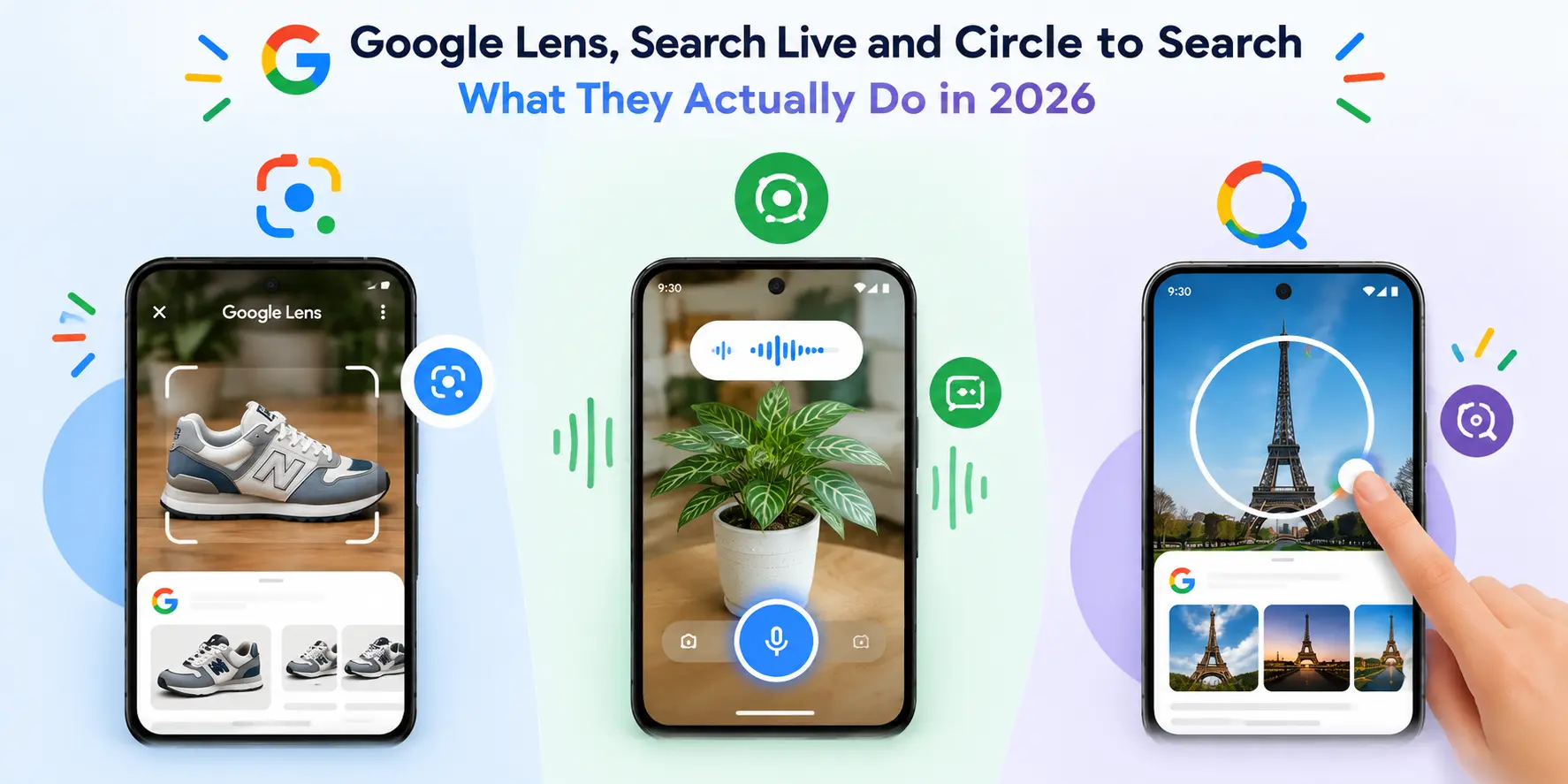
Google Lens, Search Live and Circle to Search: What They Actually Do in 2026
Google now lets you search with your voice, your camera, or both at once, and the tools behind it have multiplied fast enough that it's easy to lose track of which one does what. This guide sorts out Google Lens, Circle to Search, and Search Live: what each one does, how to use it, and how they fit together. Every claim here links back to where it came from, so you can check it yourself.
Key takeaways
- Google Lens now handles nearly 20 billion visual searches a month, according to Google's own October 2024 blog post.
- You can now ask Lens a spoken question about a photo or a video, not just point and identify.
- Circle to Search, launched alongside the Galaxy S24 in January 2024, lets you search from inside any app without switching to Google.
- Search Live, Google's newest tool, combines live voice and camera in one running conversation and now works in over 200 countries.
- These tools overlap in places, and this guide includes a comparison table to make the differences clear.
Google Lens: ask it questions, not just point it at things
Most people know Google Lens as the "point your camera at something" tool, and that's still true. But the bigger shift is that Lens can now hold a conversation about what it sees, rather than just returning a flat identification.
What changed: In October 2024, Google announced that Lens users could ask a spoken question while recording a video, and get an AI-generated answer drawn from the footage. Google's own example: point Lens at fish in an aquarium, hold the shutter button, and ask out loud "why are they swimming together?" The same update also brought voice questions to photos, not just video, meaning you no longer have to type a follow-up after snapping a picture.
How to ask Lens a question about a video:
- Open the Google app and tap the Lens icon.
- Hold down the shutter button to start recording.
- Ask your question out loud while filming.
- Lens analyzes the relevant frames alongside your question and returns an AI Overview with links to learn more.
At launch, this was limited to English and, for video specifically, to users enrolled in Google's Search Labs "AI Overviews and more" experiment, per Google's announcement. Availability has likely broadened since; check Search Labs in your Google app to confirm what's live for your account.
Shopping got an upgrade too. Google said that photographing a product now pulls a fuller results page, pulling from what it describes as its Shopping Graph, showing pricing across retailers and reviews alongside the visual match.
Circle to Search: search without leaving the app you're in
Circle to Search solves a specific annoyance: you're scrolling Instagram or watching a video, see something you want to look up, and don't want to screenshot it, switch apps, and paste it into Google.
Samsung and Google introduced Circle to Search at the Galaxy S24 Unpacked event on January 17, 2024. It started on Galaxy S24 and Pixel 8 devices and has since expanded to more Android phones, per the feature's Wikipedia entry, which cites contemporaneous coverage from CNET and Android Police.
How to use Circle to Search (Android):
- Long-press the home button or navigation bar from within any app.
- Circle, scribble on, or tap whatever's on screen: a product, a phrase, a face.
- Google returns results in a panel at the bottom, without closing the app you were in.
The key difference from Lens: Circle to Search works on anything currently on your screen, including text and screenshots from other apps, while Lens is built around your live camera.
Search Live: talk to Search while showing it what you see
Search Live is Google's attempt to merge voice and camera into one ongoing conversation, rather than a single question-and-answer.
How it works: Open the Google app, tap the Live icon under the search bar, and start talking. You can turn on your camera mid-conversation so Search has visual context for what you're asking, and you can ask follow-up questions the way you would with a person, without restarting the search each time. You can also reach Search Live directly from inside Lens.
Rollout timeline, sourced from Google and reporting on Google's announcements:
- Search Live first launched in English in the U.S. in September 2025, per Forbes.
- On March 26, 2026, Google expanded Search Live to every country and language where AI Mode is available, more than 200 countries and territories in total.
- The expansion runs on a new model Google calls Gemini 3.1 Flash Live, which the company describes in the same post as "inherently multilingual," meaning you're not limited to asking in English.
Search Live sits inside AI Mode, so if AI Mode isn't yet available where you are, Search Live won't be either.
How to identify a song with Hum to Search
This one's older but still gets asked about often enough to include. If a song is stuck in your head and you don't know the name:
- Open the Google app and tap the microphone icon.
- Say "what's this song?" or tap "Search a song."
- Hum, whistle or sing for 10 to 15 seconds.
- Google returns a ranked list of likely matches.
Google launched Hum to Search in October 2020, and it doesn't require perfect pitch, according to Google's own description of the feature at the time.
Comparison: Lens vs Circle to Search vs Search Live
What this means if you're optimizing a site for it
This deserves its own deep dive, which we cover in our guide to voice and visual search evolution and strategy. In short: these tools all lean on the same underlying signals, clear product imagery, structured data, and content that answers a specific question directly, so the fundamentals don't change much between Lens, Circle to Search and Search Live. What changes is where and how a user encounters your content in the first place.
FAQ
-
What is the difference between Google Lens and Circle to Search?
Lens works through your camera to identify or answer questions about what it sees. Circle to Search works on anything already on your screen, inside whatever app you're using, without needing to open the camera. -
Can I ask Google Lens a question while recording a video?
Yes. Hold the shutter button to record and ask your question out loud; Lens analyzes the video and returns an AI Overview. Google announced this in October 2024. -
Is Search Live available everywhere?
It's available anywhere AI Mode is available, which as of March 2026 covers more than 200 countries and territories, per Google's announcement. Check your Google app to confirm. -
Do I need to speak English to use Search Live?
No. Google says the model behind the global rollout, Gemini 3.1 Flash Live, is built to be multilingual. -
How do I access Circle to Search?
Long-press your phone's home button or navigation bar, then circle, tap or scribble on whatever you want to search. -
Can Google identify a song just from humming?
Yes, using Hum to Search, which launched in 2020 and doesn't require accurate pitch. -
Which tool should I use for shopping?
Google Lens, since it's specifically built with a shopping results page showing price comparisons and reviews.
Conclusion
Google now has three overlapping ways to search without typing, and each one solves a slightly different moment: Lens for a specific object in front of your camera, Circle to Search for something already on your screen, and Search Live for an ongoing conversation that might involve both.
Sources
- Google, "Ask questions in new ways with AI in Search" (Oct 2024)
- Google, "Search Live is expanding globally" (Mar 2026)
- Forbes, "Google Search Live Goes Global" (Mar 2026)
- Android Authority, Galaxy S24 Unpacked date confirmation (Jan 2024)
- 9to5Google, "Google now lets you 'Hum to Search'" (Oct 2020)
- Wikipedia, Google Lens (Circle to Search rollout details, cross-referenced with CNET/Android Police as cited there)