Popular Searches

Digital Marketing AI Data Science Machine Learning Data Analytics SEO Social Media Marketing Python JavaScript

Expert

12 Months Course

Advanced

6 Months Course

Beginner

3-4 Months Course

Short Course

1 Month Course

Free

Free Courses

Hands-On Motion Design Training

Graphic Design and Motion Graphics Course in Delhi with After Effects & Gen AI

4.9/5 from 1,043 reviews 25,000+ learners trained 250+ hiring partners

DizitalAdda's graphic design and motion graphics course is a 6-month, hands-on programme, taught online and offline. You master Photoshop, Illustrator and After Effects, create logo animations, kinetic typography and explainer videos, use Gen AI in every module, and finish with a professional showreel, with 100% Placement Assistance.

  • 6 Months / 144 Hours, Online and Offline
  • AI-Integrated Training in Every Module
  • Motion Graphics with Gen AI: ChatGPT, Adobe Firefly and AI Animation Tools
  • Photoshop, Illustrator, After Effects and Figma
  • Logo Animation, Kinetic Typography and Explainer Videos
  • 10 Live Creative Projects and a Showreel with 100% Placement Assistance
10 live creative projects Gen AI for motion Professional showreel
Free Career Counselling

Talk to a Creative Mentor

Get a free call to plan your path into motion graphic designer and graphic designer roles.

🔒 Your details are private. A mentor calls you within 24 hours.

  • Free demo class
  • Online & offline batches
  • 100% Placement Assistance
Duration: 6 Months / 144 Hours Mode: Online and Offline Placement: 100% Placement Assistance Rating: 4.9 / 5 Level: Beginner Friendly

Key Skills Covered in This Motion Graphics Course

Design Principles Colour Psychology Typography Branding Photoshop Illustrator After Effects Keyframe Animation Kinetic Typography Logo Animation Explainer Videos Storyboarding 3D Basics Lottie and UI Motion Gen AI for Motion Showreel

Why Choose DizitalAdda's Graphic Design and Motion Graphics Course

Your Benefits
0110 live creative projects
02AI-integrated training in every module
03Motion graphics with Gen AI module
04After Effects from basics to 3D
05Professional showreel and Behance portfolio
06Paid in-house internship option
07100% Placement Assistance
08Offline and online training modes

Key Highlights

  • Beginner to job-ready motion designer in 6 months
  • 11 modules with hands-on projects
  • No design or animation experience needed
  • Live doubt solving with creative mentors
  • Freelancing on Fiverr and Upwork
  • Showreel reviews and mock interviews
  • Weekday and weekend batches
  • Class recordings on the LMS
Talk to an Expert

CREATIVE CAREER SUPPORT

★★★★★ Practical learning backed by 100% Placement Assistance

Become a Motion Graphic Designer Companies Want to Hire

This motion graphic designer course is built on 10 live creative projects, not just theory. You design brands, animate logos and text, create explainer videos and social media motion, use Gen AI and finish with a showreel, preparing you for motion designer, brand animator and graphic designer roles.

97% Placement rate
144 Hrs Hands-on training
250+ Hiring partners
25000+ Students trained

Course Roadmap

What Will You Learn?

Eleven practical modules take you from design basics to a professional showreel. Every module of this motion graphics course is AI-integrated, with a dedicated module on motion graphics with Gen AI.

Design Principles & Visual Communication

  • Design thinking
  • Colour psychology and palettes
  • Typography and hierarchy
  • Composition and layout
  • Visual branding
Design Principles Typography

Adobe Photoshop

  • Photoshop tools and workspace
  • Photo editing and retouching
  • Layers, masks and composites
  • Social media graphics
  • Preparing artwork for animation
Photoshop Image Editing

Adobe Illustrator, Logo & Brand Design

  • Vector illustration
  • Logo design
  • Icons and brand identity
  • Print layouts with InDesign
  • Vector assets ready for motion
Illustrator InDesign Logo Design

Storyboarding & Animatics

  • Shot-by-shot visual planning
  • Timing and audio cues
  • Building an animatic
  • Presenting ideas to clients
  • Style frames
Storyboarding Animatics

After Effects: Animation Basics

  • Keyframes and the graph editor
  • Easing and timing
  • Shape layers and masks
  • Pre-compositions
  • Rendering and export
After Effects Keyframes

Kinetic Typography & Logo Animation

  • Animated text synced to audio
  • Animated captions for Reels
  • Logo idents and brand intros
  • Lower thirds and titles
  • Sound design basics
Kinetic Typography Logo Animation

Explainer Videos & Social Media Motion

  • Explainer video sequences
  • Animated Reels and Stories
  • Animated ad creatives
  • Infographic animation
  • Editing in Premiere Pro and CapCut
Explainer Videos Social Media Motion

3D & Advanced Motion

  • 3D layers and cameras in After Effects
  • Blender and Cinema 4D basics
  • VFX and compositing basics
  • Expressions for faster animation
  • Event and projection visuals
Blender Cinema 4D 3D Basics

UI Motion, Figma & Lottie

  • UI motion prototypes in Figma
  • App and web micro-animations
  • Lottie animations for websites
  • Adobe Animate basics
  • Canva for quick motion content
Figma Lottie Animate

Motion Graphics with Gen AI

  • ChatGPT for scripts and storyboards
  • Adobe Firefly for assets and backgrounds
  • AI tools for animation, voice and subtitles
  • AI visuals for marketing campaigns
  • Checking AI output for quality and rights
ChatGPT Adobe Firefly AI Animation

Showreel, Portfolio & Career Prep

  • 60 to 90 second showreel
  • Behance portfolio
  • Freelancing on Fiverr and Upwork
  • Resume and mock interviews
  • Presenting work to clients
Showreel Portfolio

Not sure if you are ready? Book a free demo class →

Motion Design Skills Stack

What Makes You a Job-Ready Motion Designer

Beyond tools, this motion graphics course builds a strong sense of timing, visual storytelling, practical AI skills and the confidence to work with real clients.

Design thinking
Colour psychology
Typography and layout
Logo and brand identity
Storyboarding
AI-assisted ideas
Keyframe animation
Kinetic typography
Logo idents
Explainer videos
3D layers and cameras
AI animation tools
Social media motion
UI motion and Lottie
Client briefs and feedback
Showreel
Behance portfolio
Freelance client handling

Motion Graphics Live Projects

Gain real experience with LIVE projects
for hands-on Motion Graphics Learning

1 2
Project 1:

Brand Identity Kit

Duration: 12 Hours (& 7 Days of Client Feedback)

Description:

You'll design a complete brand identity for a real brand in Illustrator: logo, colour palette and typography, ready to animate.

  • Brand Research & Moodboard
  • Logo Design in Illustrator
  • Colour Palette & Typography
  • Brand Style Guide
Presentations and Mock Interviews

*Brands change every batch

Project 2:

Animated Logo Ident

Duration: 8 Hours

Description:

You'll turn a brand logo into a 5 to 10 second animated intro in After Effects, with sound.

  • Logo Preparation for Motion
  • Keyframes & Easing
  • Sound Design
  • 4K Export
Presentations and Mock Interviews

*Brands change every batch

Project 3:

Kinetic Typography Sequence

Duration: 10 Hours

Description:

You'll animate a 30 to 45 second text sequence that moves in sync with music or voiceover.

  • Script & Audio Selection
  • Text Animation in After Effects
  • Audio Sync & Timing
  • Final Render
Presentations and Mock Interviews

*Brands change every batch

Project 4:

Social Media Motion Set

Duration: 10 Hours (& 14 Days of Posting)

Description:

You'll create 3 animated Instagram Reels or Stories for a real brand, built for each platform.

  • Content Ideas with ChatGPT
  • Animated Reels & Stories
  • Captions & Hooks
  • Platform Export
Presentations and Mock Interviews

*Brands change every batch

Project 5:

Explainer Video Sequence

Duration: 16 Hours

Description:

You'll design and animate a 30 to 60 second explainer video for a real product or service.

  • Script & Storyboard
  • Illustrated Scenes
  • Character-Free Motion Design
  • Voiceover & Music
Presentations and Mock Interviews

*Brands change every batch

Project 6:

Animated Ad Creative

Duration: 8 Hours

Description:

You'll build animated banner and social media ads that grab attention in the first seconds.

  • Ad Concepts
  • Animated Banners
  • Social Media Ad Formats
  • Lightweight Export
Presentations and Mock Interviews

*Brands change every batch

Project 7:

Storyboard & Animatic

Duration: 8 Hours

Description:

You'll plan a brand campaign video with a shot-by-shot storyboard and a timed animatic.

  • Shot-by-Shot Planning
  • Style Frames
  • Timed Animatic
  • Client Presentation
Presentations and Mock Interviews

*Brands change every batch

Project 8:

UI Motion Prototype

Duration: 8 Hours

Description:

You'll design app screens in Figma and animate the interactions in After Effects and Lottie.

  • Screens in Figma
  • Micro-Interactions
  • After Effects Animation
  • Lottie Export
Presentations and Mock Interviews

*Brands change every batch

Project 9:

Event & Projection Visual

Duration: 10 Hours

Description:

You'll create an advanced motion visual for an event screen or projection concept using 3D layers.

  • Concept & Moodboard
  • 3D Layers & Cameras
  • Blender or Cinema 4D Basics
  • Final Render
Presentations and Mock Interviews

*Brands change every batch

Project 10:

Final Showreel

Duration: 16 Hours

Description:

You'll bring your best work together into a 60 to 90 second showreel and a Behance portfolio.

  • Project Selection
  • Showreel Edit & Music
  • Behance Case Studies
  • Review with Mentors
Presentations and Mock Interviews

*Brands change every batch

Motion Design Tools

Hands-on After Effects Course with Industry Motion Design Tools

Learn After Effects with the Adobe Creative Suite, 3D tools like Blender and Cinema 4D, Lottie for web animation and AI tools used by motion teams every day.

Our Design and Tech Programs

Choose a practical learning path based on your current level, specialization goals, and time commitment.

Graphic Design and Professional Video Editing
Advanced 6 Months
★4.9(1,043 ratings)
Job Oriented Course

Graphic Design and Professional Video Editing

Photoshop, Illustrator, Premiere Pro and After Effects for designers and video editors.

Explore Program →
UI UX Design Course
Advanced 6 Months
★4.9(1,043 ratings)
Job Oriented Course

UI UX Design Course

User research, wireframing, prototyping and visual design in Figma and Adobe XD, with Gen AI.

Explore Program →
Web Development Course
Advanced 6 Months
★4.9(1,043 ratings)
Job Oriented Course

Web Development Course

Build and launch websites with HTML, CSS, JavaScript and modern frameworks.

Explore Program →

Choose Your Perfect Learning Path

Compare our courses and find the right fit for your creative career

This Course

Graphic Design and Motion Graphics Course

6 Months

  • Photoshop and Illustrator
  • After Effects animation
  • Kinetic typography and logo animation
  • Explainer videos and 3D basics
  • Motion graphics with Gen AI
  • 100% Placement Assistance

Perfect For:

Learners aiming for motion designer roles

Advanced Level

Graphic Design & Video Editing

6 Months

  • Photoshop and Illustrator
  • Premiere Pro editing
  • Reels and YouTube editing
  • Colour grading
  • Gen AI tools
  • Career support

Perfect For:

Learners who want design and video editing skills

Advanced Level

UI UX Design Course

6 Months

  • User research
  • Wireframing and prototyping
  • Figma and Adobe XD
  • Usability testing
  • Gen AI for design
  • Career support

Perfect For:

Learners who want to design apps and websites

Advanced Level

Web Development Course

6 Months

  • HTML and CSS
  • JavaScript
  • Responsive websites
  • Modern frameworks
  • Live projects
  • Career support

Perfect For:

Learners who want to code and launch websites

Your Path to Success

Your Journey With Us

From your first design to your first motion design job — here's exactly how we take you there over 6 months.

Step 1
Step 01

Enrollment

Meet your course counsellor, choose a batch, and get a clear 6-month plan for the motion graphics course.

Course Selection1-on-1 CounsellingFlexible Batches
Step 2
Step 02

Design Foundations

Learn design principles, colour, typography and branding, then Photoshop and Illustrator, with AI tools used from day one.

Live Classes11 Modules, 144 HoursAdobe Labs
Step 3
Step 03

Motion Graphics

Plan with storyboards, then animate logos, text and explainer videos in After Effects, adding 3D basics.

After EffectsKinetic TypographyMentor Reviews
Step 4
Step 04

Live Creative Projects

Complete 10 live creative projects, from a brand identity kit to social media motion and UI animation, using Gen AI tools.

Brand Briefs10 ProjectsGen AI
Step 5
Step 05

Showreel & Certify

Build your showreel and Behance portfolio and earn 10+ certificates with Skill India recognition.

ShowreelSkill IndiaBehance Portfolio
Step 6
Step 06

Career

Get placed as a motion graphic designer, brand animator or graphic designer, or start freelancing.

100% Placement Assistance250+ PartnersInterview Prep
For Everyone

Who Should Join This Motion Graphics Course?

This motion graphics design course is built for anyone who wants to bring designs to life. Here is exactly who will benefit most.

Students & 12th-Pass Learners

Start a creative career with a portfolio of real brand work.

Graphic Designers

Add animation to your design skills and take on motion projects.

Homemakers

Learn with flexible batches and build freelance income from home.

Working Professionals

Switch to a creative career or add motion design to your role.

Business Owners

Create your own brand designs, ads and videos.

Freelancers

Offer logo animation and motion design services to clients in India and abroad.

Real Stories

Student Video Reviews

Hear from DizitalAdda students about their training, projects and placement journey.

DizitalAdda Student Review 1
DizitalAdda Student Review 2
DizitalAdda Student Review 3
DizitalAdda Student Review 4
DizitalAdda Student Review 5
DizitalAdda Student Review 6
DizitalAdda Student Review 7
DizitalAdda Student Review 8

What Our Students Say

Student Reviews

★★★★★

"I enrolled in the Advanced Digital Marketing Course to improve my skills, and the practical training was honestly better than I expected. The live projects helped me understand real industry work."

Abhinav Sharma
Abhinav SharmaAdvanced Digital Marketing Course
★★★★★

"The Expert Digital Marketing Course completely changed my career direction. I joined as a college student with zero practical knowledge, and now I confidently manage SEO and Google Ads projects for clients."

Shiv Kalra
Shiv KalraExpert Digital Marketing Course
★★★★★

"As a working professional, I needed a course that was practical and updated with current trends. The Digital Marketing Course for Professionals helped me switch my career successfully."

Tulika Biswas
Tulika BiswasDigital Marketing Course for Professionals
★★★★★

"The trainers explained everything in a very simple way, even advanced SEO and paid ads. I started freelancing within a few months after completing the course."

Harvinder Singh
Harvinder SinghExpert Digital Marketing Course
★★★★

"The AI marketing tools and automation sessions were my favorite part. I now save a lot of time while managing social media and ad campaigns for clients."

Harsh Kanojia
Harsh KanojiaExpert Digital Marketing Course
★★★★★

"What I liked most was the focus on real projects instead of only theory. We worked on live campaigns and learned tools that companies actually use."

Neha Singh
Neha SinghAdvanced Digital Marketing Course
★★★★★

"The learning environment was friendly and motivating. Even beginners could understand SEO, Meta Ads, and analytics without feeling overwhelmed."

Jitesh
JiteshAdvanced Digital Marketing Course
★★★★★

"I was already working in sales but wanted to move into digital marketing. This course helped me build confidence and land a better job role."

Purav Singh
Purav SinghAdvanced Digital Marketing Course
★★★★★

"The practical assignments and live website projects helped me understand how digital marketing actually works in companies and agencies."

Kajal
KajalAdvanced Digital Marketing Course
★★★★

"I appreciated that the trainers always shared current industry strategies instead of outdated concepts. The classes felt modern and very career-focused."

Payal
PayalAdvanced Digital Marketing Course
★★★★

"The mentors were supportive throughout the course and even guided me during interviews. That personal support made a huge difference for me."

Shradha Bansal
Shradha BansalAdvanced Digital Marketing Course
★★★★★

"I joined after my graduation and got internship opportunities very quickly because of the portfolio and practical work we completed during training."

Tannu
TannuExpert Digital Marketing Course
★★★★

"The trainers focused a lot on practical learning. We didn't just watch presentations - we actually created campaigns, optimized websites, and analyzed performance."

Kavya Negi
Kavya NegiAdvanced Digital Marketing Course
★★★★★

"I joined the Expert Digital Marketing Course after watching a few webinars from DizitalAdda, and the practical exposure was honestly impressive. The SEO and performance marketing sessions helped me understand how agencies work in real life."

Vikas
VikasAdvanced Digital Marketing Course
★★★★★

"What made this course different for me was the practical learning. Instead of only theory, we worked on live websites, keyword research, and real ad campaigns."

Rohnit
RohnitExpert Digital Marketing Course
★★★★★

"The Advanced Digital Marketing Course gave me hands-on experience with Google Ads, Meta Ads, and AI tools. I now confidently handle campaigns for my startup business."

Amit
AmitAdvanced Digital Marketing Course
★★★★★

"I was searching for a course that actually teaches updated digital marketing skills. The AI modules, automation tools, and live project training were very useful."

Sandeep
SandeepAdvanced Digital Marketing Course
★★★★★

"The trainers explained complex topics in a simple and friendly way. Even analytics and technical SEO became easy to understand after the practical sessions."

Harshita Yadav
Harshita YadavExpert Digital Marketing Course
★★★★

"The course structure was very organized and industry-focused. I especially liked the real client assignments because they gave me confidence before interviews."

Chitra Lalawat
Chitra LalawatExpert Digital Marketing Course
★★★★

"I completed the Advanced Digital Marketing Course while finishing my college degree. The skills I learned here helped me secure an internship much faster."

Rajesh Baloni
Rajesh BaloniAdvanced Digital Marketing Course
★★★★★

"Before joining, I only knew social media basics. Now I can run paid ad campaigns, optimize websites for SEO, and create marketing strategies independently."

Sahil Chauhan
Sahil ChauhanAdvanced Digital Marketing Course
★★★★★

"The Advanced Digital Marketing Course helped me start freelancing from home. The practical training and portfolio-building sessions gave me the confidence to take real clients."

Sapna
SapnaAdvanced Digital Marketing Course

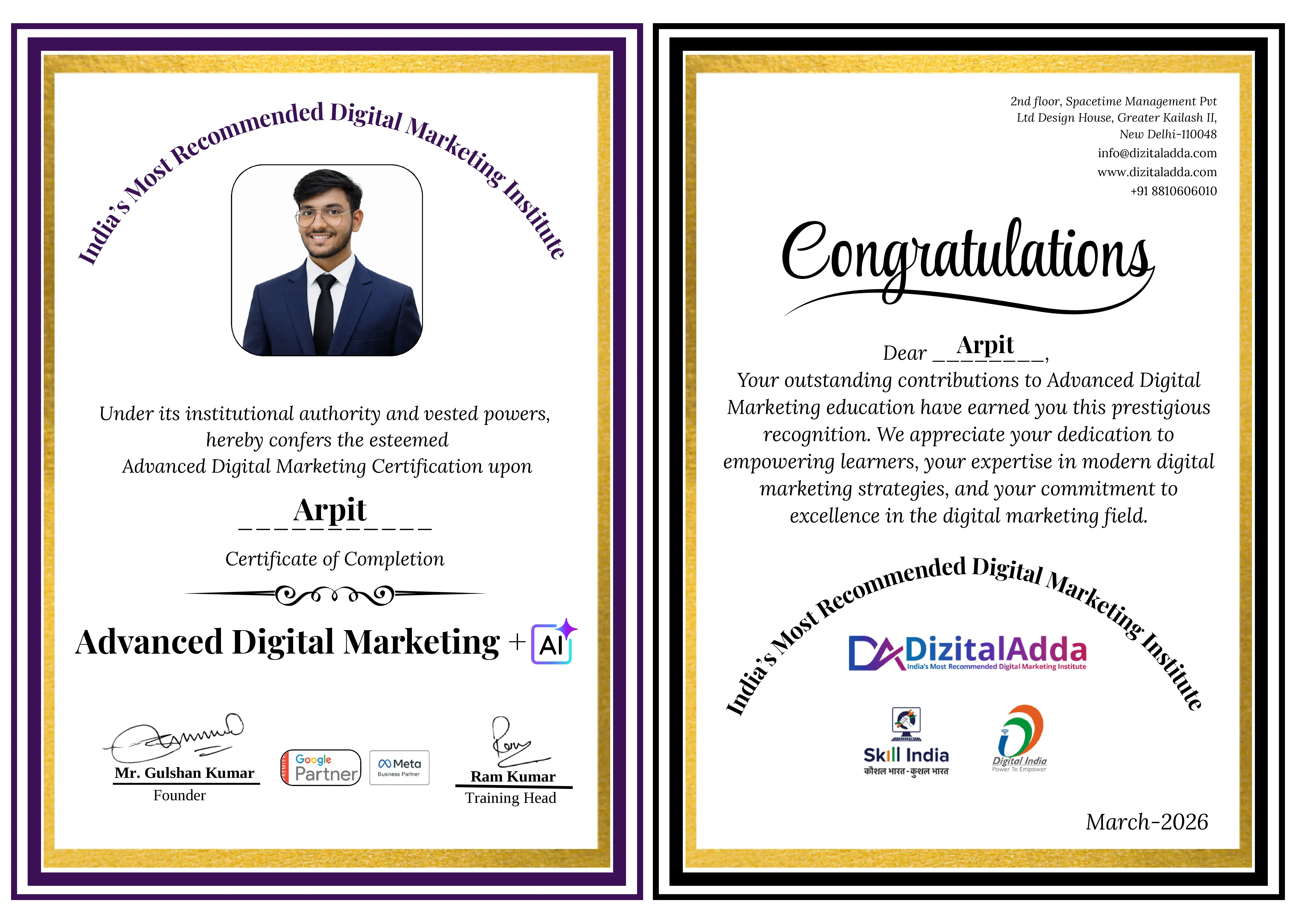
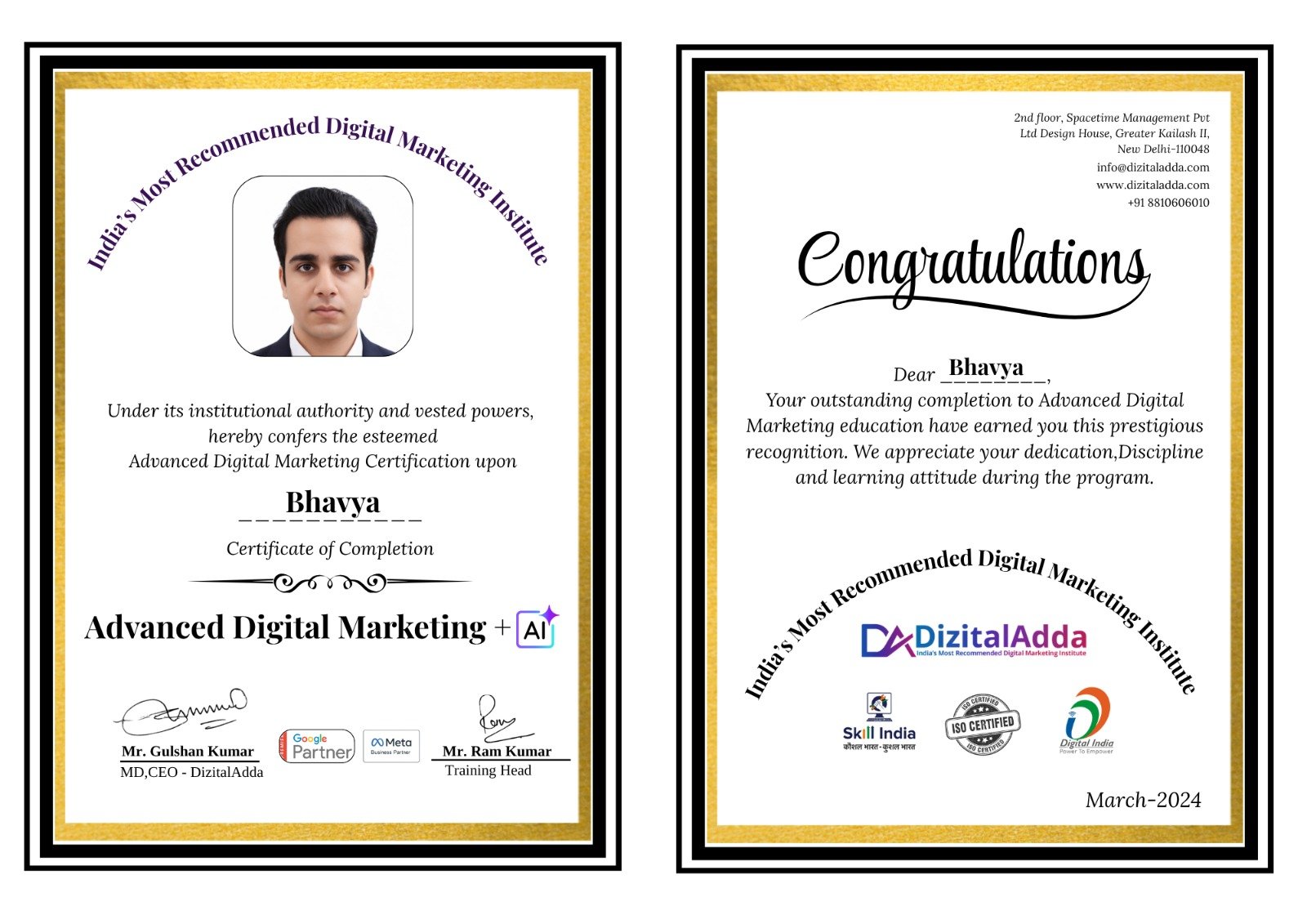
Motion Graphics Certification

DizitalAdda's Motion Graphics
Certification Gets You Hired!

About DizitalAdda's Certification

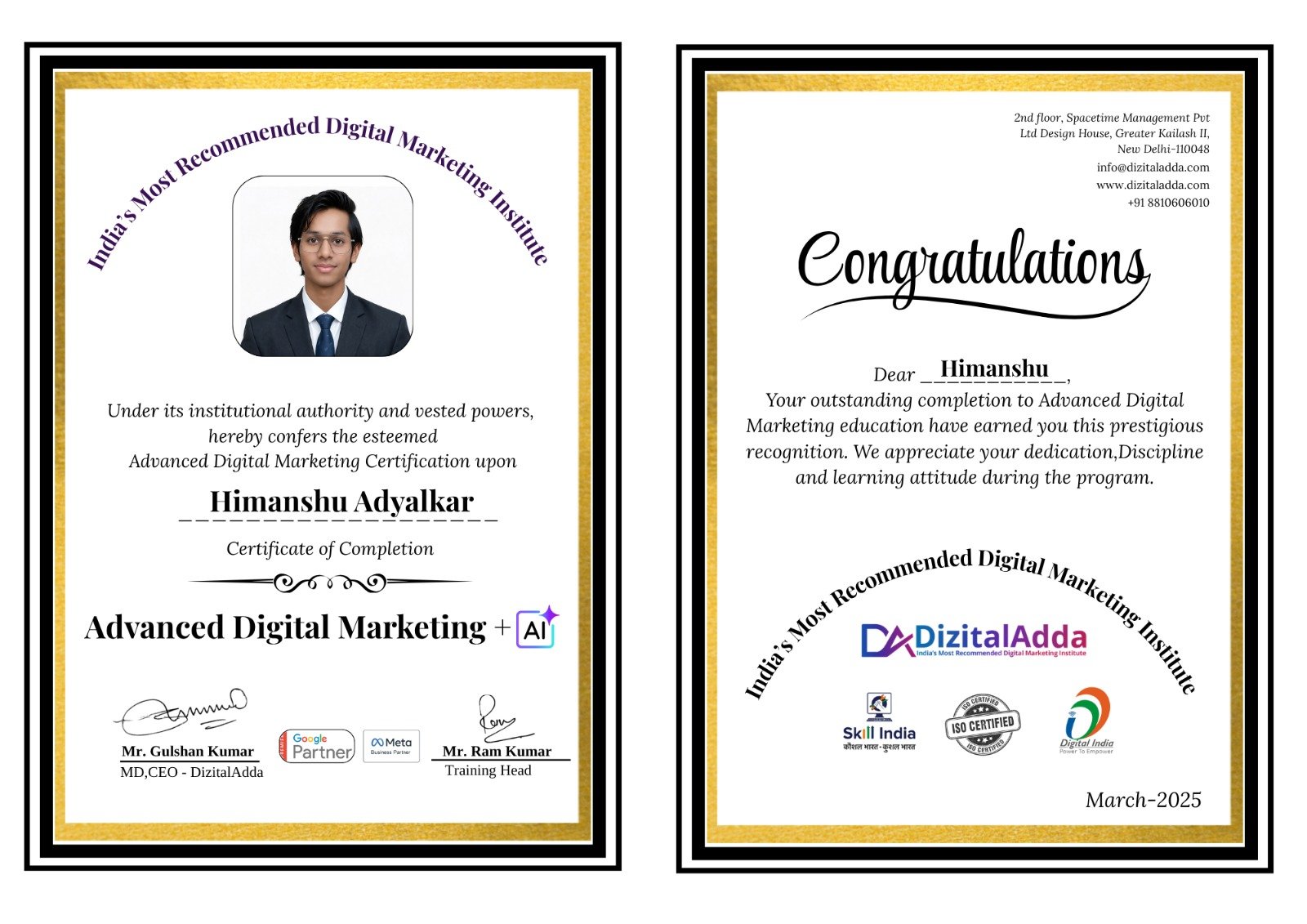
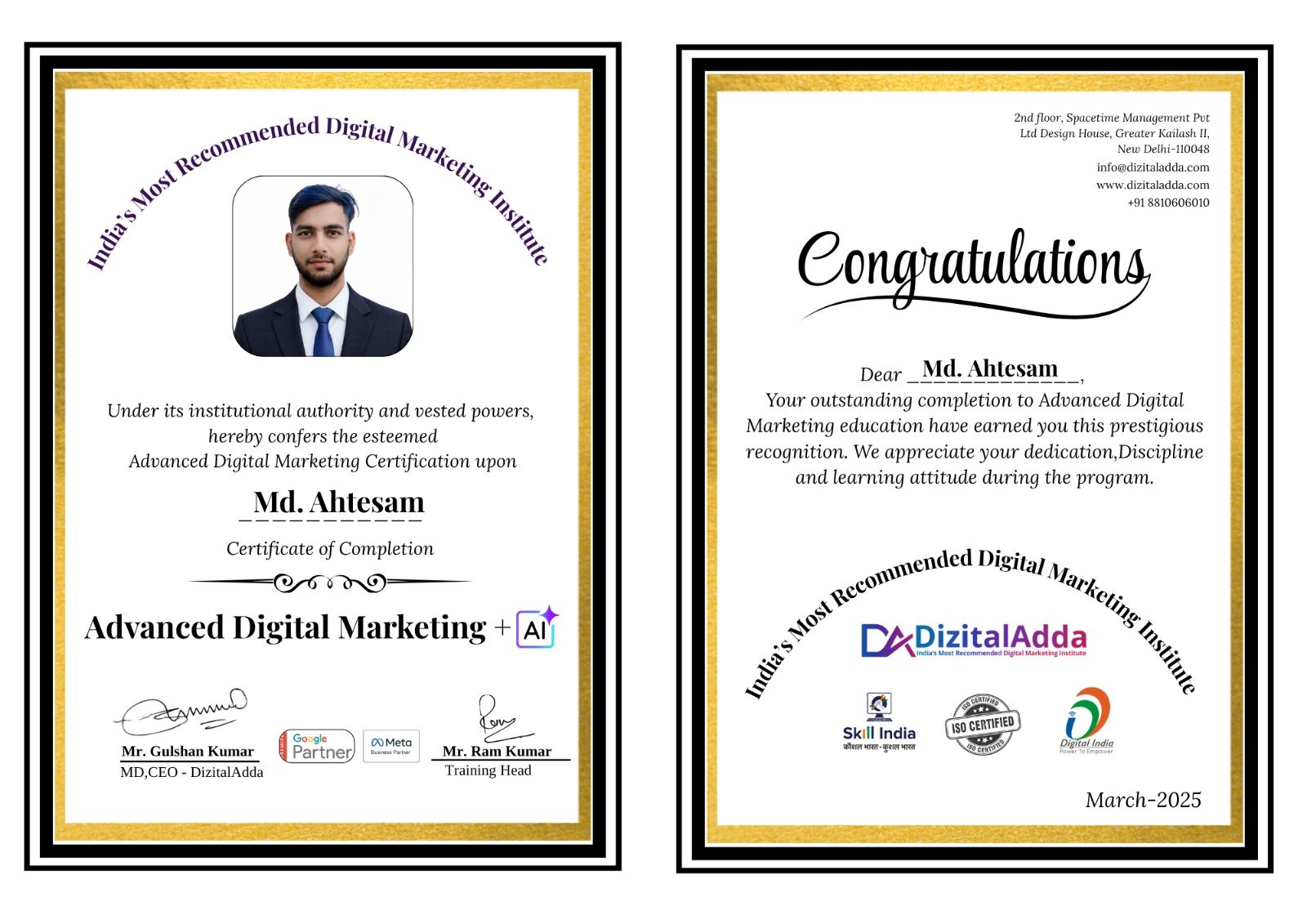
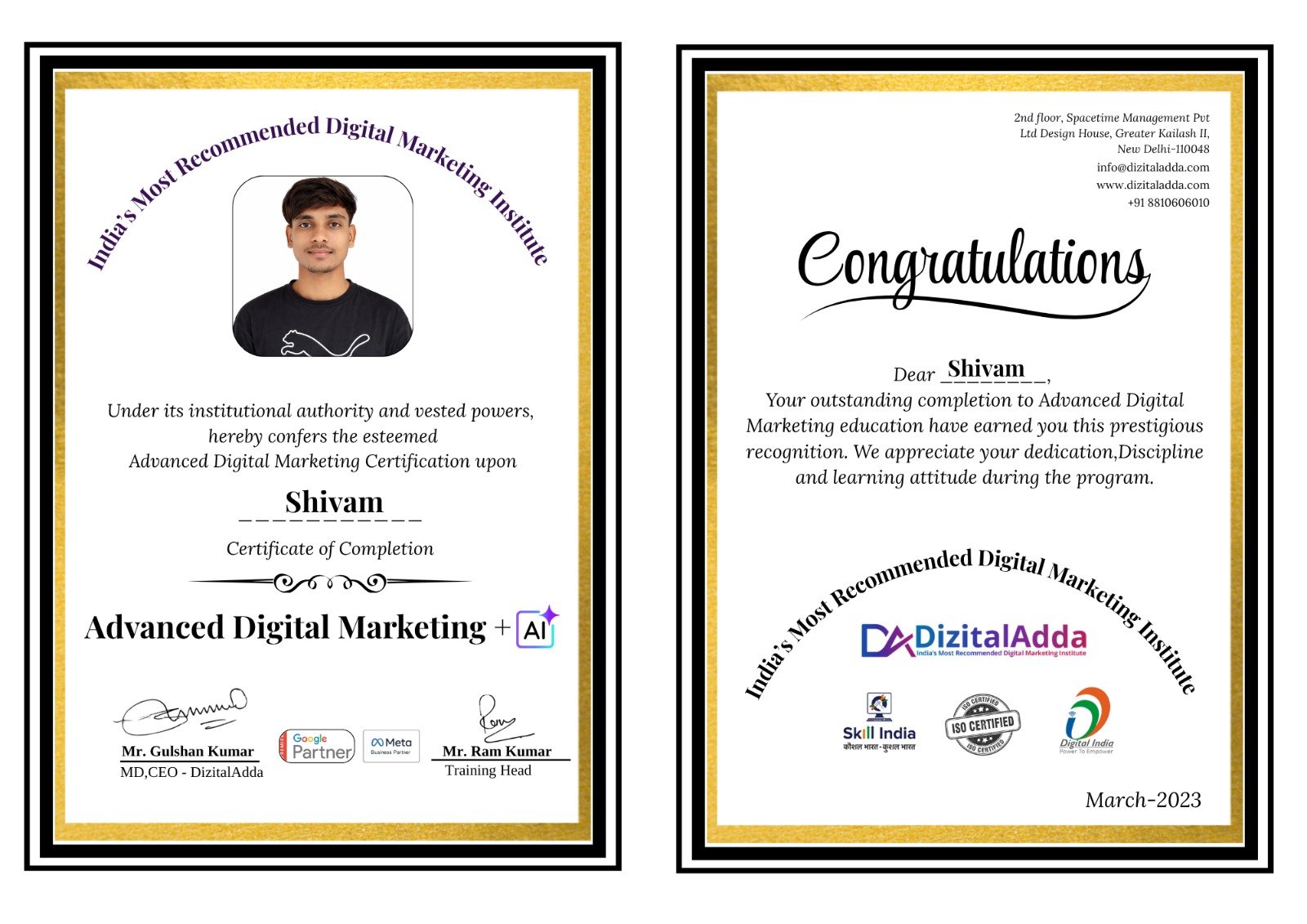
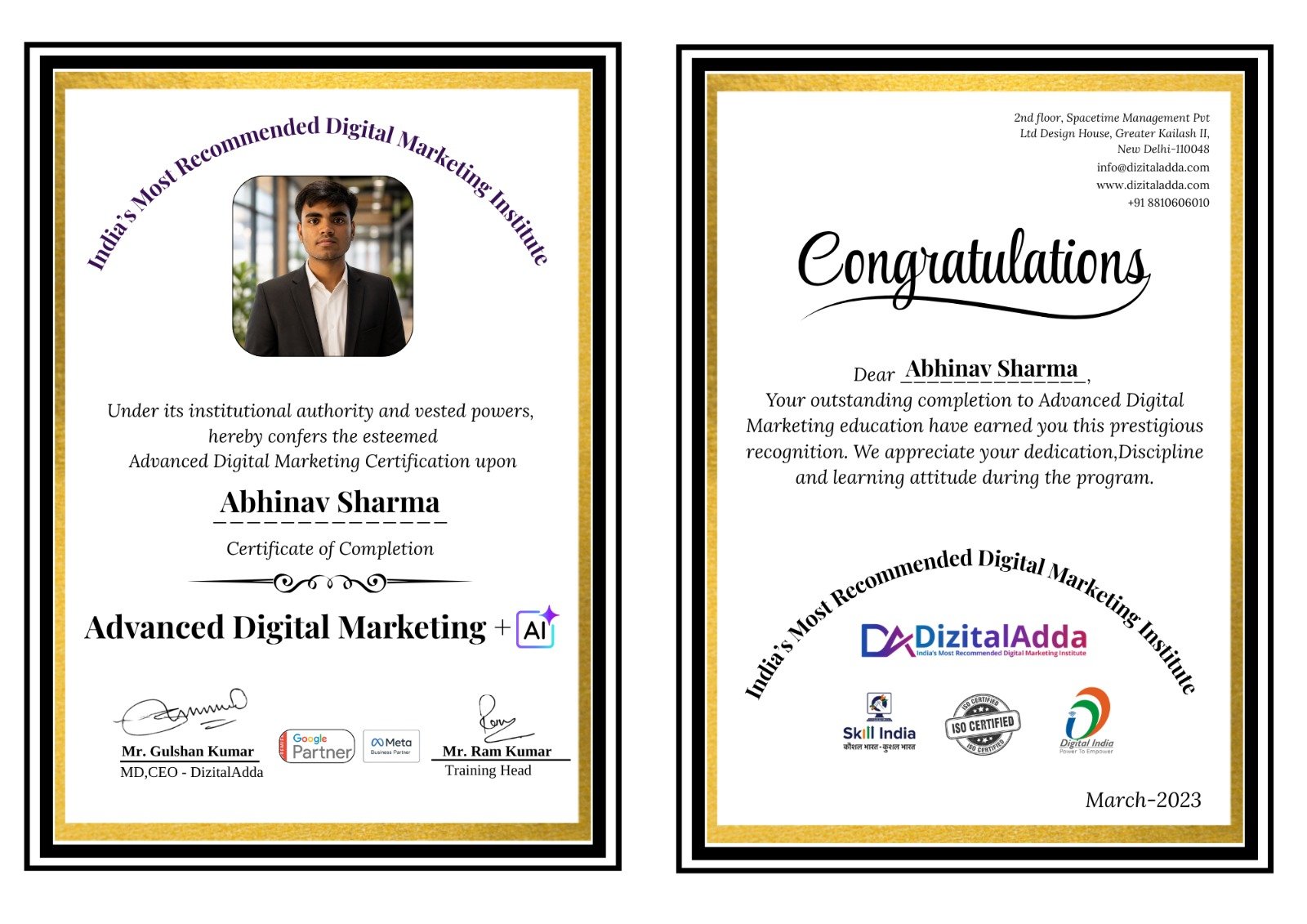
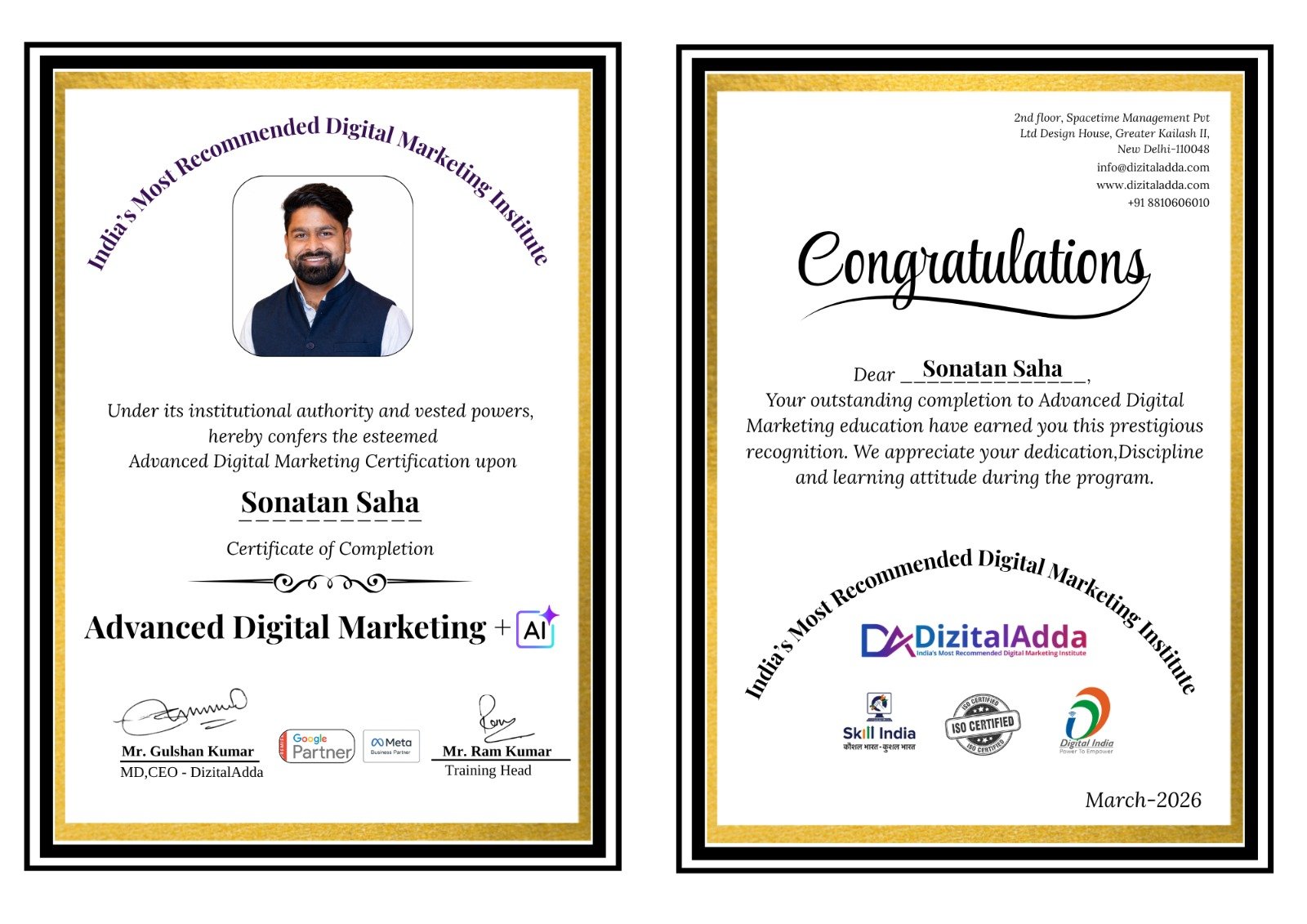
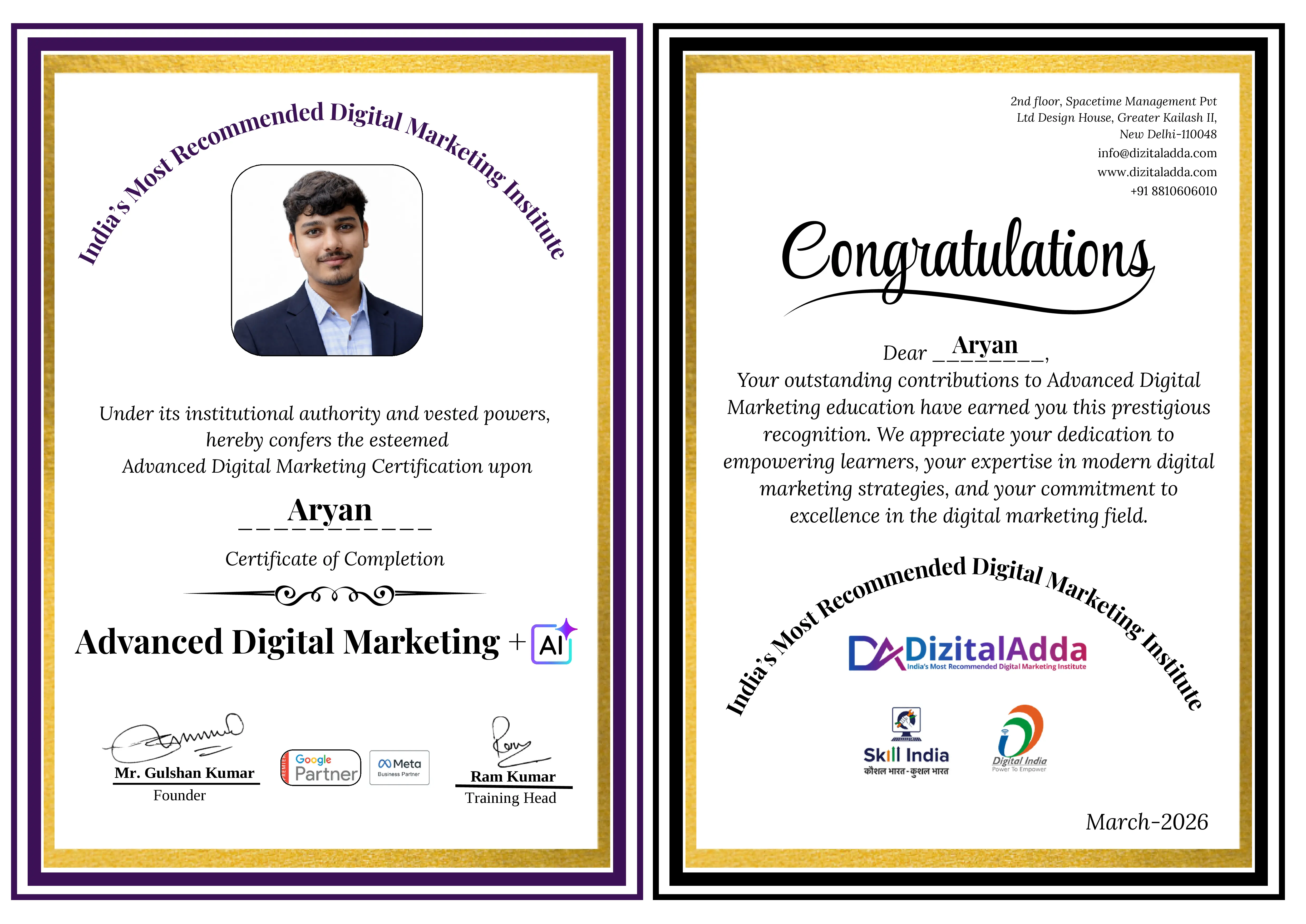
DizitalAdda's motion graphics course certificate is awarded after the 6-month programme and your 10 live creative projects. It is backed by a professional showreel and Behance portfolio: brand identities, logo animations, kinetic typography, explainer videos and social media motion.

The course covers design principles, Photoshop, Illustrator, storyboarding, After Effects, 3D basics, UI motion and motion graphics with Gen AI, with 10+ certificates and Skill India recognition.

It is your launchpad to motion graphic designer, brand animator, explainer video designer and graphic designer roles, supported by 100% Placement Assistance and 250+ hiring partners.

Next Batch Starts In:
03: 38: 47
Only 17 seats left

Learn From The Best

Learn From Industry
Expert Trainers

Learn from DizitalAdda's team of 8 industry trainers with 3 to 15 years of experience, who work on live projects and deliver results every day.

What We Have Achieved?

  • DizitalAdda has trained 25000+ students and working professionals through practical Digital Marketing, Generative AI, Data Science and Cyber Security programs designed for real industry needs. With hands-on learning, live labs, and career-focused training, the institute has helped learners build successful careers in top companies, startups, and security firms across India.
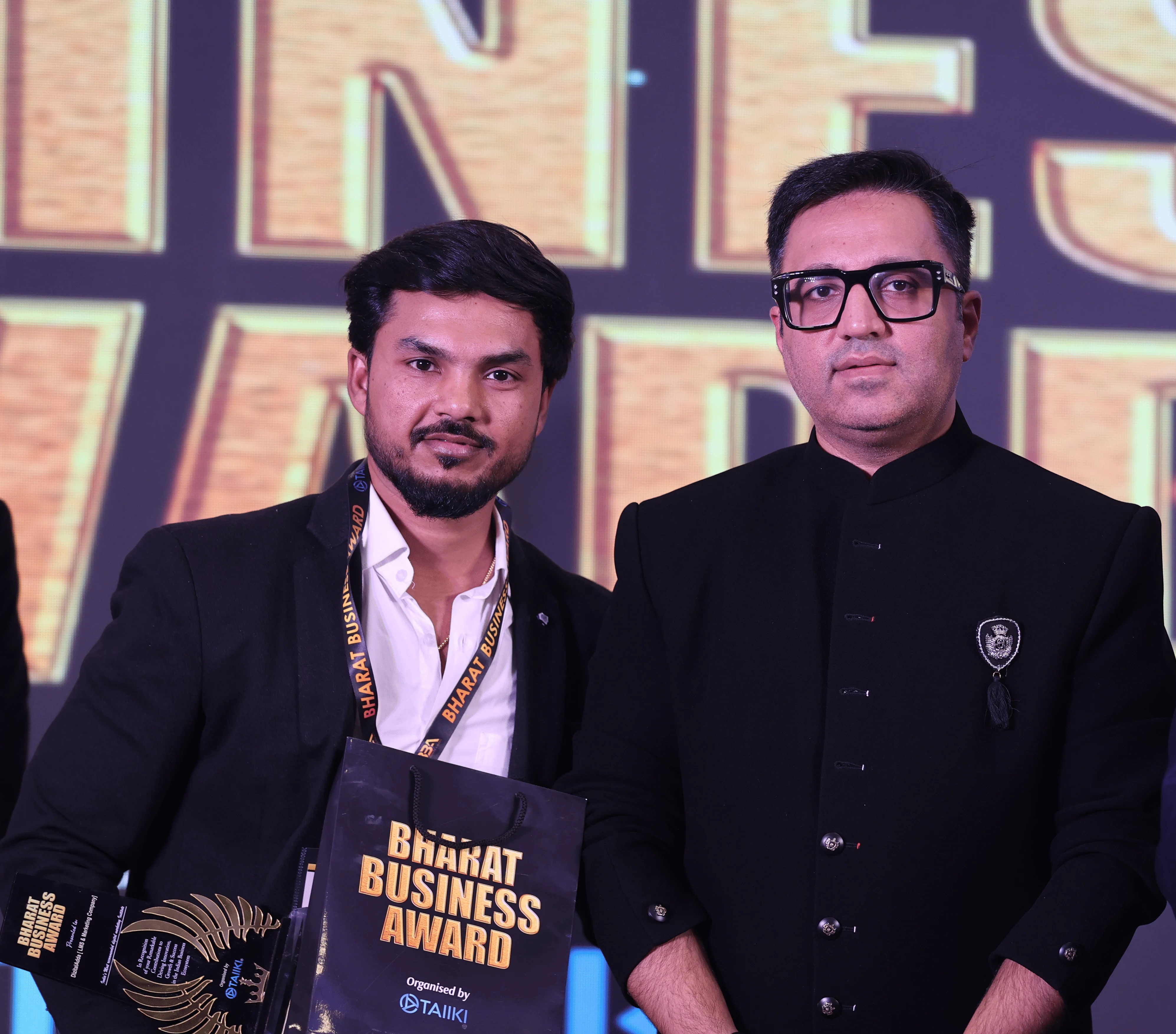
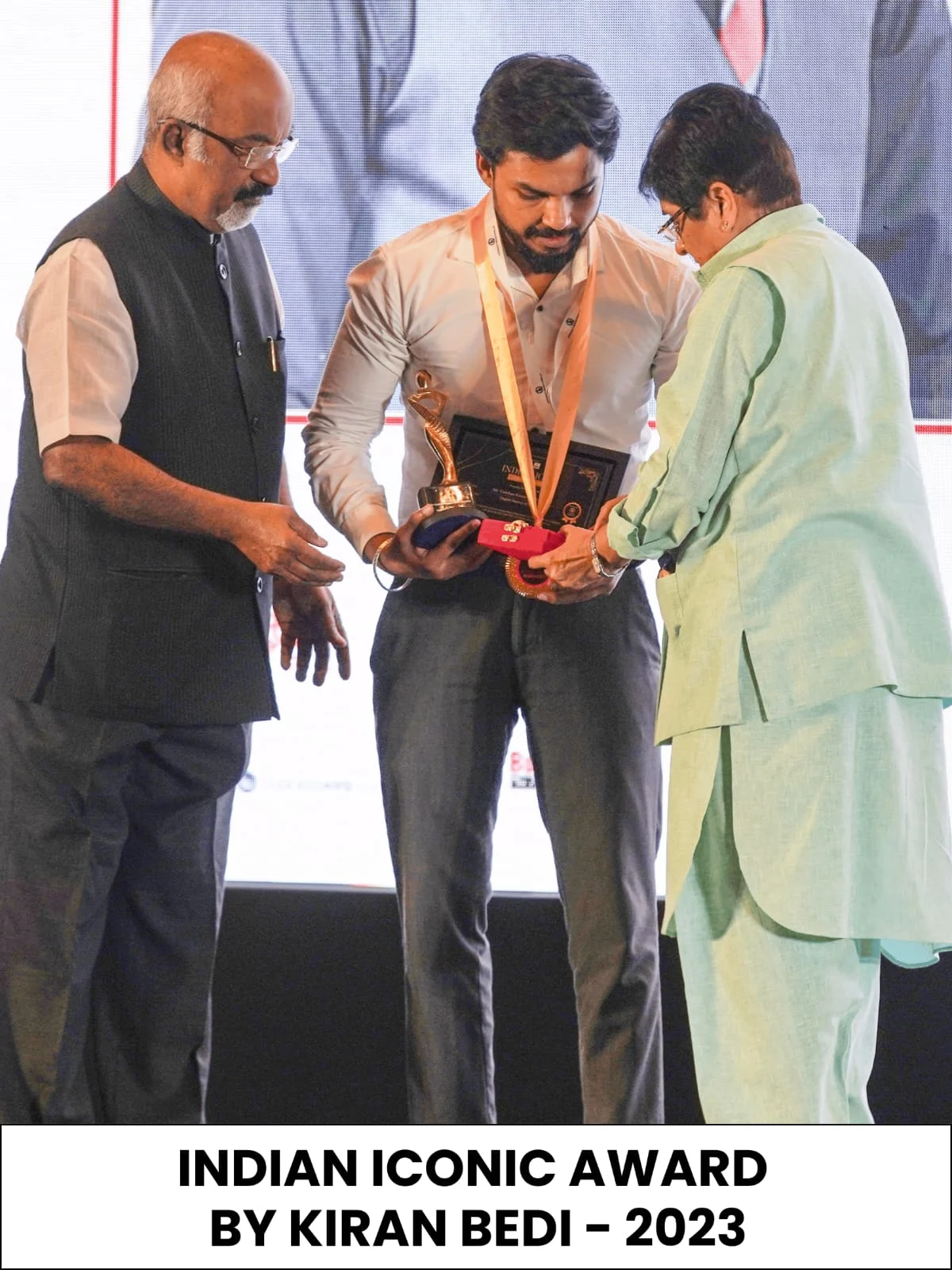
  • The institute's contribution to skill-based education has been recognized through prestigious industry honors, including the Indian Icon Award presented by Dr. Kiran Bedi, the Bharat Business Award presented by Ashneer Grover, and The Excellence Award by The Hotel School. These recognitions highlight DizitalAdda's commitment to quality training, student success, and innovation in digital education.
  • At DizitalAdda, students gain real-world experience by working on live creative briefs: brand identities, logo animations, explainer videos and social media motion. The focus is on building showreels, improving practical skills, and preparing students for real creative roles with confidence.
DizitalAdda award
DizitalAdda award
DizitalAdda award

Experience Learning in a Professional Campus

Training Room
Study Zone
Corridor
Classroom
Seminar Hall
Live Session
Workshop
Group Activity
Campus Lounge

Our Greater Kailash II campus, home to the motion graphics course in Delhi, reflects a real corporate tech environment — focused, distraction-free and performance-driven, with modern lab facilities. Prefer to learn from home? Join the motion graphics course online with the same live classes.

Small Batches

Max 15 students per batch for personalized attention

Corporate Setup

Real project desks & live AI tools

Expert Mentors

10+ years industry experience instructors

Free Session

Book a Free Demo Class

Choose a date for your free demo session and speak with our team about the motion graphics course syllabus, projects and career path.

SuMoTuWeThFrSa
Available
Today
Selected
Past
Select a date to book your demo session
1-hour live walkthrough of course structure and projects
100% free counselling session with zero hidden charges
Get clarity on course fit, prerequisites, and outcomes
Online and offline attendance options available
← Pick a date from the calendar

Motion Graphics Course FAQs

Short answers to common questions about the course, creative careers and what you build during training.

What is motion graphics?

Motion graphics brings graphic design to life: text, logos, icons and shapes are animated to share a message or build a brand. Unlike character animation, it is design-led.

What will I learn in this motion graphics course?

Design principles, Photoshop, Illustrator, storyboarding, After Effects, kinetic typography, logo animation, explainer videos, 3D basics, UI motion and Gen AI tools, ending with a showreel.

Do I need design or animation experience?

No. The course starts with design basics before any software, and every tool is taught from the first click.
Why is After Effects so important?

After Effects is the industry-standard tool for motion graphics. Almost every motion graphic designer job asks for it, so it is the main tool of this course.

What is kinetic typography?

Animated text that moves in sync with music or voiceover. It is used in Reels, ads, explainer videos and title sequences.

Is this a motion graphic designer course for jobs in Delhi?
Yes. It is a job-focused motion graphic designer course, taught at our Greater Kailash II campus in South Delhi, and every batch is also available online.

Is there a motion graphics course online?
Yes. You can join the motion graphics course online or offline, with the same live classes, projects and placement support.
How is it different from the Graphic Design & Video Editing course?

Both share a design foundation. This course focuses on animation in After Effects, while the video editing course focuses on editing footage in Premiere Pro.

How is Gen AI used in the course?

AI tools are used in every module, and a dedicated module on motion graphics with Gen AI covers ChatGPT, Adobe Firefly and AI tools for animation, voice and subtitles.

What is a showreel and will I make one?

A showreel is a 60 to 90 second video of your best motion work, and it is what employers watch first. Yes, you build one in the final module.

What jobs can I get after the course?

Motion Graphic Designer, Graphic Designer, Brand Animator, Explainer Video Designer, Social Media Motion Designer, or freelance motion work.

Do you provide placement support?

Yes. This motion graphics design course comes with 100% Placement Assistance: showreel review, Behance setup, mock interviews and referrals through our 250+ hiring partners. Top performers can get a paid in-house internship.

What certificates will I get?

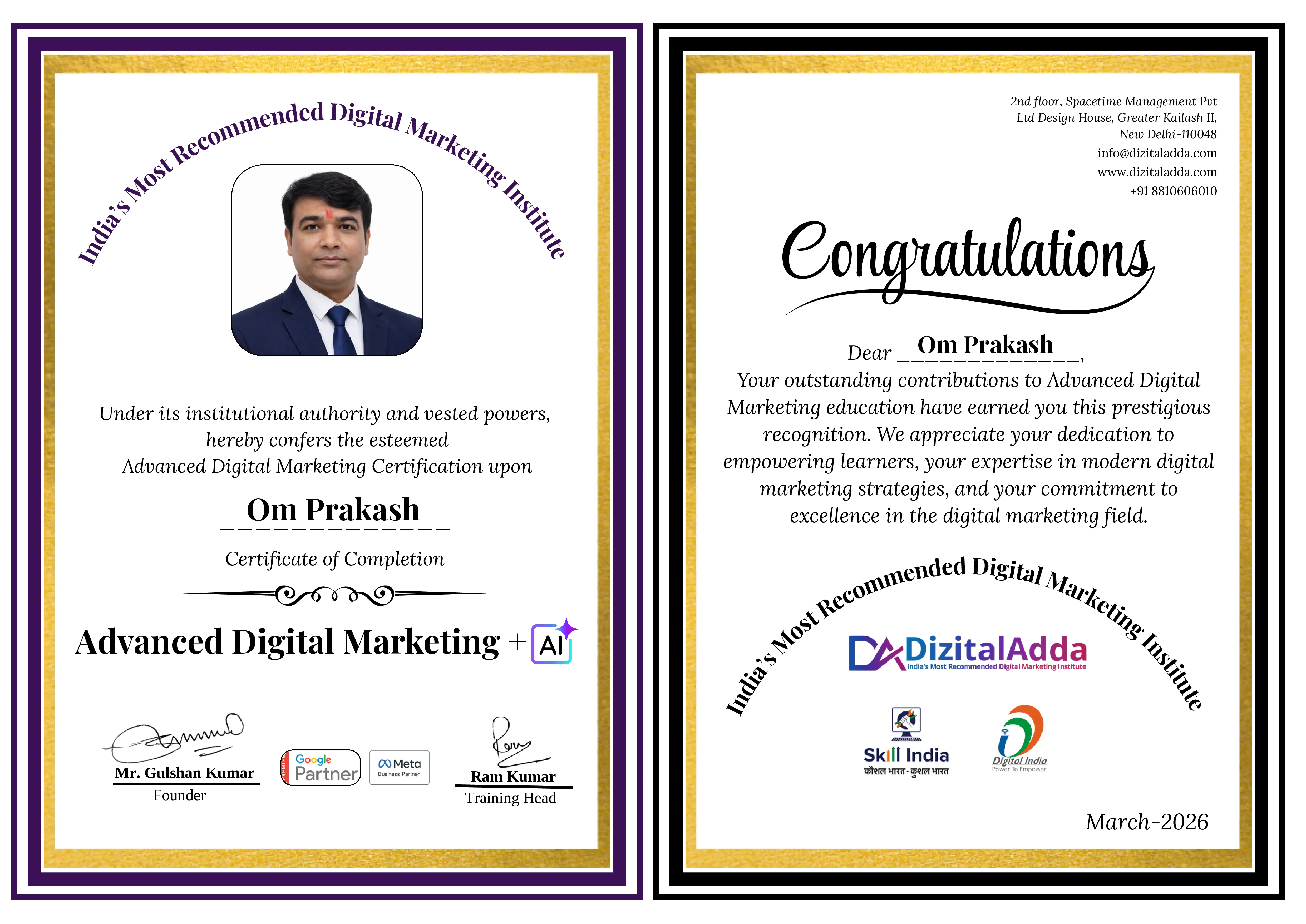
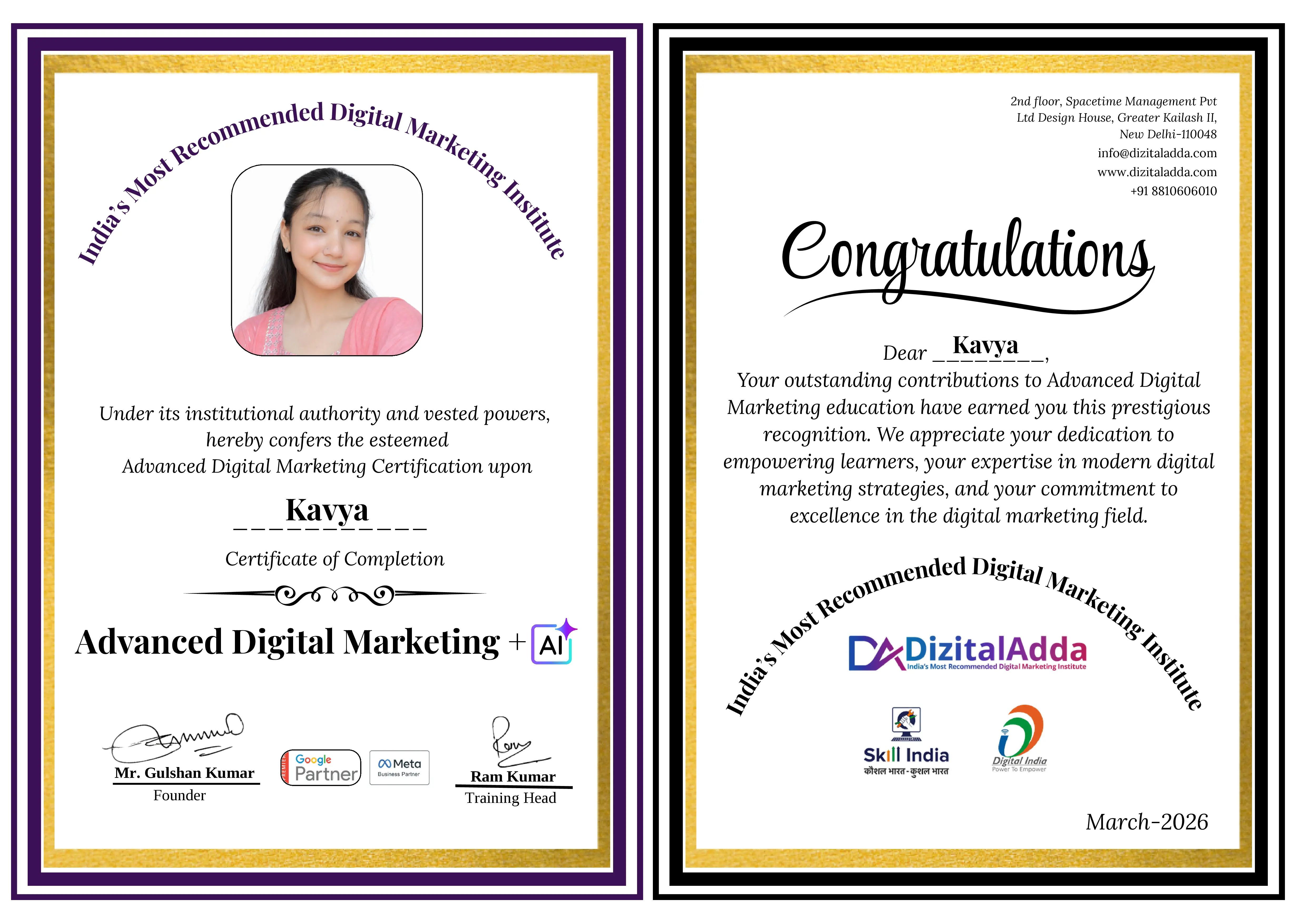
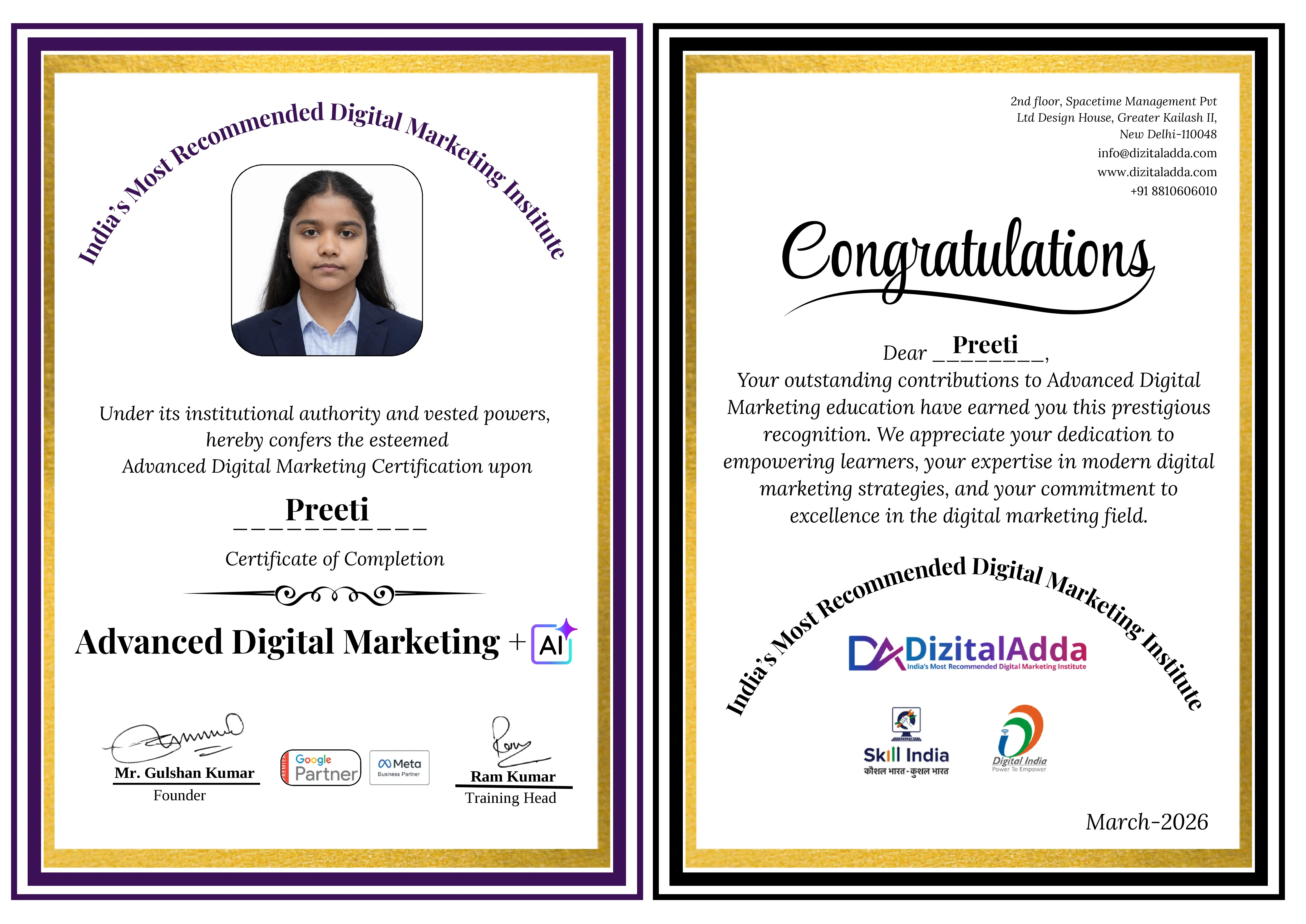
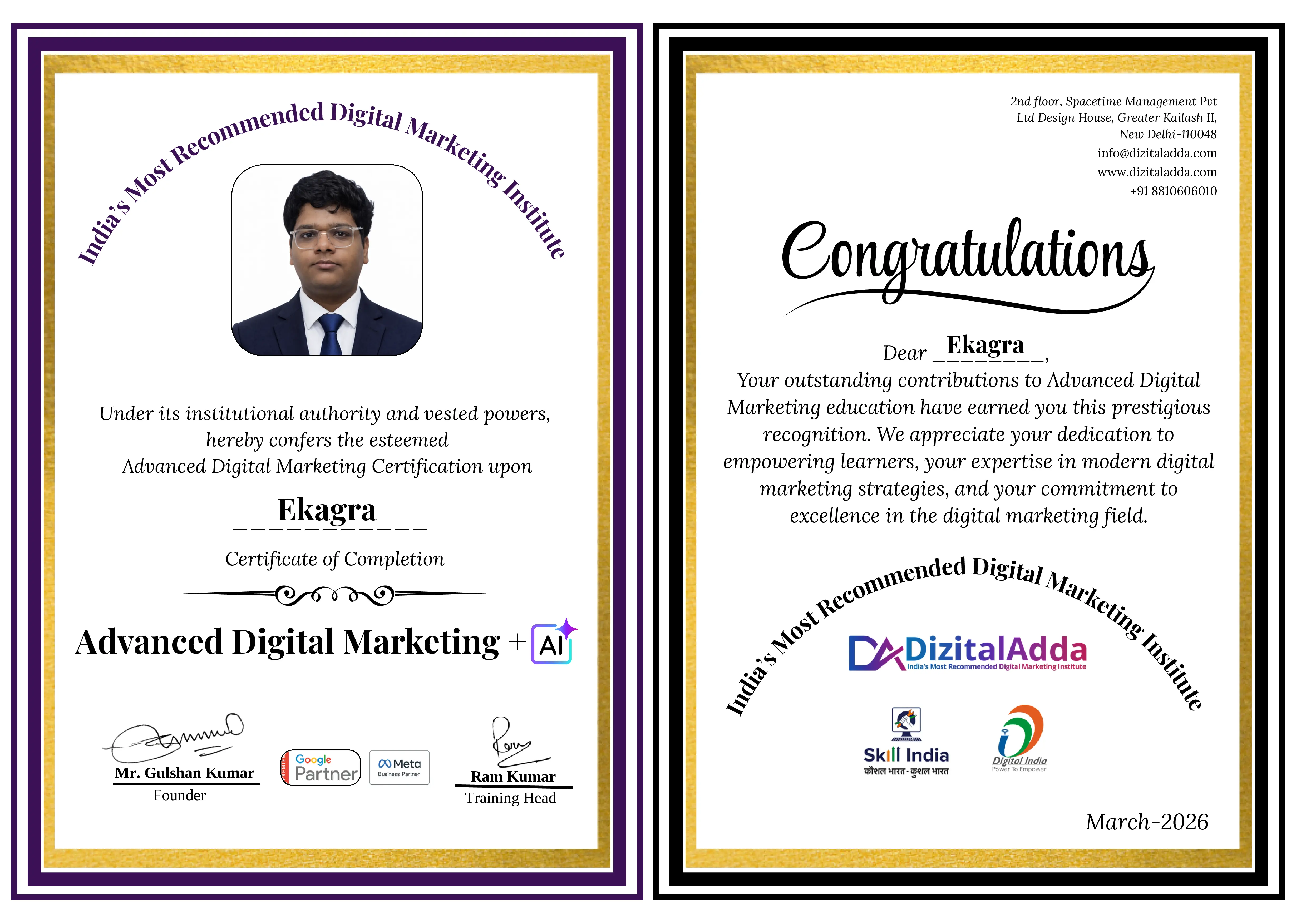
10+ certificates, including the DizitalAdda certificate in graphic design and motion graphics, Skill India recognition and a certificate for each live project.